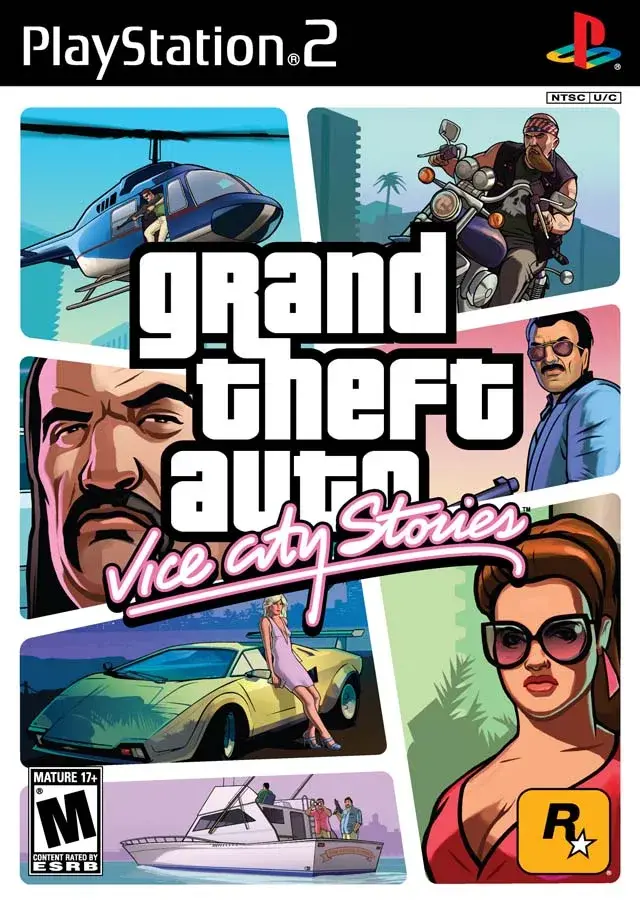
Master Grand Theft Auto: Vice City Stories with our comprehensive guide to controls, hand-to-hand combat, and weapon usage. Learn every button prompt and combat move.
This section details the controls for Grand Theft Auto: Vice City Stories, covering movement, combat, and weapon usage across both PSP and PlayStation 2 versions.
Controls:
| Action | PSP | PlayStation 2 |
|---|---|---|
| Move Around | Analog Stick | Left Analog Stick |
| Look Around | L + Analog Stick | Right Analog Stick |
| Look Behind | L + R Button | R3 Button |
| Run | X Button | X Button |
| Jump | Square Button | Square Button |
| Enter Vehicle | Triangle Button | Triangle Button |
| Zoom In/Out (Binoculars/Camera) | Square/X Buttons | Square/X Buttons |
| Fine Aim (Weapon/First Person) | L Button | NA |
| Change Camera Mode | Select Button | Select Button |
| Pause | Start Button | Start Button |
| Target (Combat/Weapons) | NA | R1 Button |
| Free Aim | NA | R1 + L3 Buttons |
| Attack (Weapon) | NA | Circle Button |
| Previous Weapon | D-Pad Left | L2 Button |
| Next Weapon | D-Pad Right | R2 Button |
| Sniper Rifle Zoom In/Out | Square/X Buttons | Square/X Buttons |
Notes on Controls:
- On PS2, the D-Pad can also be used for movement.
- Holding the Run button too long causes fatigue; tapping rhythmically helps extend runs. Acquiring Infinite Run (from Ambulance Mission) prevents fatigue.
- Entering motorcycles can involve knocking the rider off or jump-kicking them.
- Fine Aim is used with weapons like the Sniper Rifle, Binoculars, and Camera in first-person view, in conjunction with the R Button (PSP) or R1 Button (PS2).
Hand to Hand Combat:
Vice City Stories features expanded hand-to-hand combat, including grabs, throws, combos, and neckbreaks. Be aware that street NPCs can fight back, and excessive neckbreaks attract police attention.
Combat Actions (Targeting Required):
- When targeting someone:
- 2-Move Power Combo: Tap X Button
- 4-Move Standard Combo: Tap Circle Button
- Grab (Front or Back): Triangle Button
- Block: Square Button
- When grabbing someone from the front:
- Massive Punch: Hold X Button
- 2-Move Standard Combo: Tap Circle Button
- Throw: Triangle Button
- When grabbing someone from the back:
- Knee in the Back: X Button
- Jab in the Neck: Circle Button
- Neckbreak: Triangle Button
- When someone is on the ground:
- Stomp/Kick: X Button
- Punch: Circle Button
- Pull Up: Triangle Button
- When targeting a dead person:
- Stomp/Kick: X or Circle Buttons
Using Weapons:
Various weapons are available, each with specific commands. Targeting is done with the R Button (PSP) or R1 Button (PS2). Free Aim is activated with R + D-Pad Down (PSP) or R1 + L3 Buttons (PS2). Attacks are performed with the Circle Button (PS2).
100% Human-Written. AI Fact-Checked. Community Verified. Learn how AntMag verifies content