
Master Nine Sols controls and interface elements for navigating the Solarian Empire and confronting Sols. Learn essential inputs and UI details.
Mastering the controls and understanding the user interface (UI) in Nine Sols is paramount for navigating the treacherous lands of the Solarian Empire and confronting the formidable Sols. This detailed guide will walk you through every essential input and UI element, ensuring you're always one step ahead.
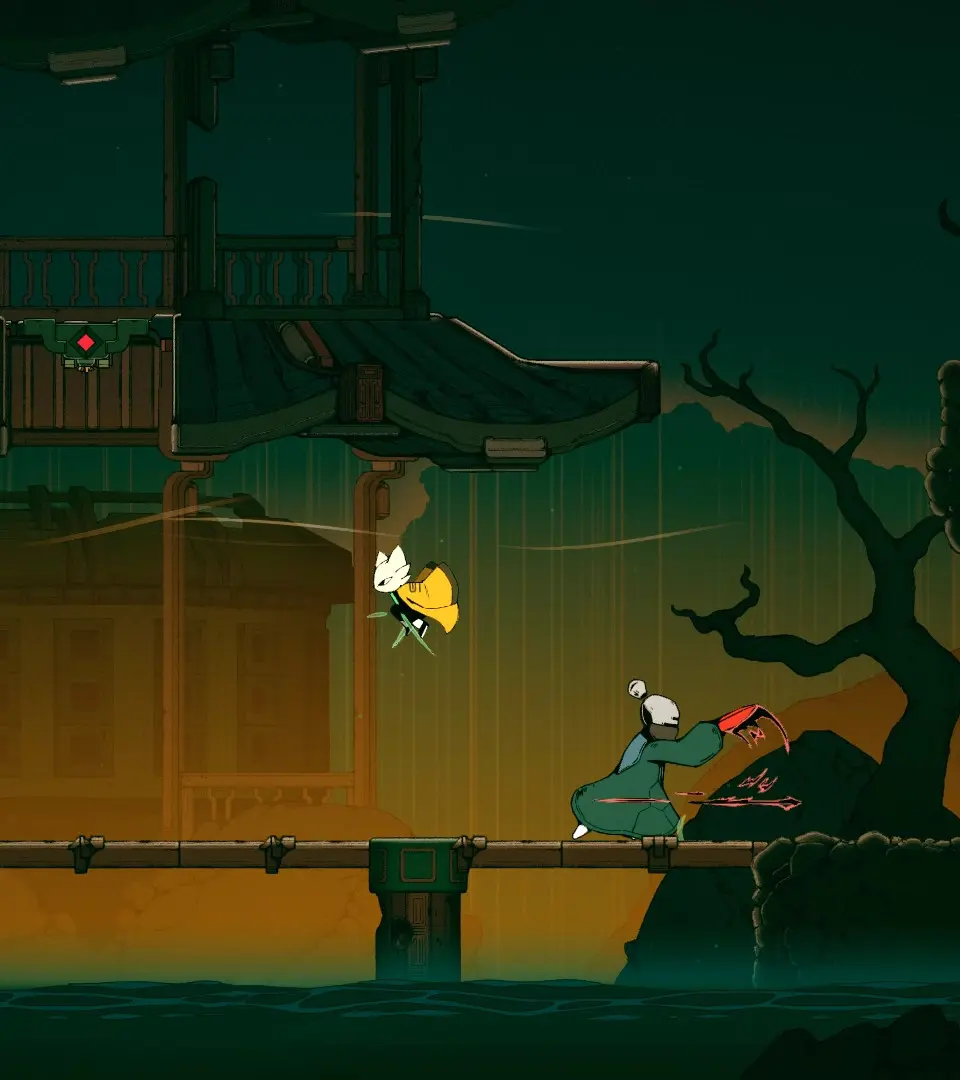
Basic Movement & Combat
Your journey through the Kirkniya Wilderness and the fiery depths of the Landor Volcano Cave will demand precise movement and swift combat reflexes. Here’s how to command your character:
- Movement: Use the Left Analog Stick (Controller) or WASD keys (Keyboard) to move your character. Remember to utilize the environment for cover and strategic positioning, especially in areas like the narrow passages within the Landor Volcano Cave.
- Jump: Press X (Controller) or the Spacebar (Keyboard) to jump. A well-timed jump can avoid enemy attacks or reach elevated platforms. Double-tapping allows for a double jump, crucial for traversing gaps in the Kirkniya Wilderness.
- Dodge/Dash: Tap Circle (Controller) or Left Shift (Keyboard) to perform a quick dodge. This is your primary defensive maneuver, allowing you to evade incoming projectiles and close-range attacks. Mastering the dodge is essential for surviving encounters with elite enemies.
- Basic Attack: Press Square (Controller) or Left Click (Keyboard) for your standard attack. This is your bread-and-butter offensive move. String together multiple attacks for combos.
- Special Attack: Hold R1 (Controller) and press Square (Controller) or Right Click (Keyboard) for a powerful special attack. These attacks consume a portion of your Spirit Gauge but deal significant damage and often have unique properties, such as area-of-effect or armor-breaking capabilities.
- Interact: Press Triangle (Controller) or E (Keyboard) to interact with objects, open doors, or speak with NPCs. Keep an eye out for glowing interactable elements in the environment.
Navigating the User Interface (UI)
The UI provides crucial information about your character's status, inventory, and the world around you. Familiarize yourself with these elements:
Heads-Up Display (HUD)
The HUD is your constant companion, displaying vital information during gameplay:
- Health Bar (Top Left): This red bar indicates your current health. If it depletes, your character will be defeated. Replenish health using healing items or specific abilities.
- Spirit Gauge (Below Health Bar): This blue bar fills as you deal damage and is consumed when performing Special Attacks or certain defensive maneuvers. Managing your Spirit Gauge is key to sustained combat.
- Equipped Item Slot (Bottom Right): Displays the currently selected consumable item (e.g.,
). Press L1 (Controller) or Q (Keyboard) to use it. - Mini-Map (Top Right, optional): In certain areas, a mini-map will appear, showing your immediate surroundings, objectives, and points of interest. This is particularly useful in complex layouts like the Landor Volcano Cave.
- Objective Tracker (Mid-Right, optional): Displays your current primary objective, helping you stay on track during quests in Chapter 9.
Main Menu & Inventory
Access the Main Menu by pressing Options (Controller) or Escape (Keyboard). From here, you can manage various aspects of your character and progression:
- Inventory:
- Weapons: Equip and compare different weapons. Pay attention to their damage, attack speed, and any special properties.
- Armor: Manage your head, chest, and leg armor. Armor provides defensive stats and sometimes unique bonuses.
- Items: View and use consumable items like
, , and quest-specific items. You can also assign items to your quick-use slot here.
- Skills:
- Active Skills: Allocate skill points to unlock and upgrade powerful combat abilities.
- Passive Skills: Invest in passive buffs that enhance your character's stats or provide continuous benefits.
- Journal: Review completed and active quests, read lore entries, and track your progress through the game's narrative, including events in Chapter 9.
- Map: Access the world map to view explored areas, fast travel points, and important locations. This is invaluable for planning your route through the Kirkniya Wilderness.
- System: Adjust game settings, save your progress, or exit to the title screen.
By thoroughly understanding these controls and interface elements, you'll be well-equipped to face the challenges that await you in Nine Sols, from the initial encounters in the Kirkniya Wilderness to the climactic battles within the Landor Volcano Cave.
100% Human-Written. AI Fact-Checked. Community Verified. Learn how AntMag verifies content