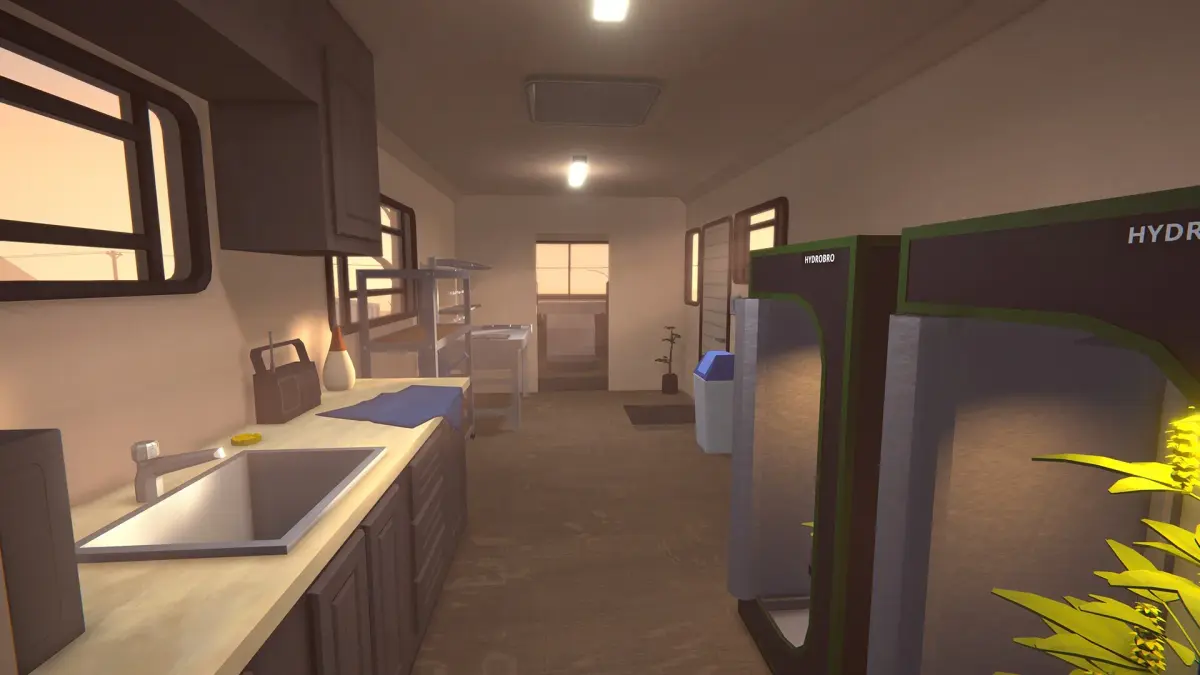

Navigate the world of Schedule I with our comprehensive guide to controls and user interface. Learn keybinds, menu navigation, and essential UI elements for a smooth gameplay experience.
This guide covers the essential controls and user interface elements for Schedule I. Understanding these will help you navigate the game world, manage your inventory, and interact with the environment effectively.
| Action | Button |
|---|---|
| Open Phone / Messages | Tab |
| Interact / Pick Up / Use | E |
| Crouch | Ctrl |
| Open Map | M |
| Sprint | Shift |
| Right Click (Adjust Amount) | Right Click + Scroll |
| Grab Entire Stack | Shift + Click |
100% Human-Written. AI Fact-Checked. Community Verified. Learn how AntMag verifies content