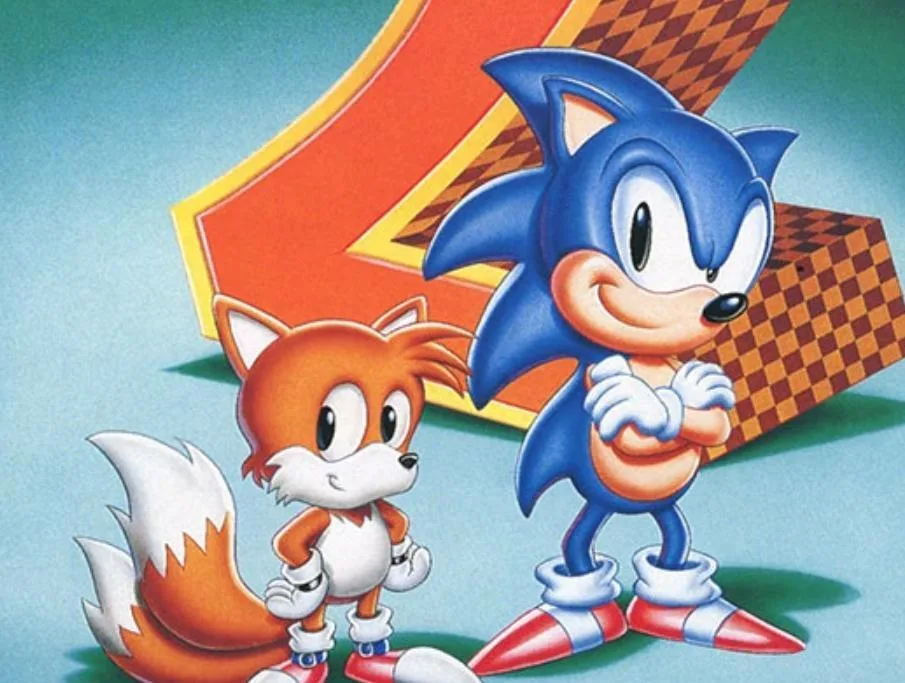
Learn how to save your progress in Sonic the Hedgehog 2, including character selection, zone progression, lives, continues, emeralds, and auto-save mechanics.
Sonic 3 & Knuckles features a save system for its 1-Player and 2-Player/Competition modes, primarily tracking your Best Times in each zone. These Best Times are updated simultaneously for both Sonic 3 and Sonic 3 & Knuckles, as their 2-Player save data is managed together.
When you access the 1-Player Data Select screen, you'll find eight save slots, initially marked as "NEW". To begin a game, select a slot and choose your character: Sonic & Tails, Sonic Alone, Tails Alone, or Knuckles Alone. The chosen character's image will then appear on your save file, and you can only use that character for that playthrough.
After starting a game or clearing a zone, the image on your save file will change to reflect the current zone. The game also saves your current lives, continues, and collected emeralds. Initially, Chaos Emeralds surround your character; these are replaced by Super Emeralds once acquired.
To delete a save file, select the Robotnik slot (far right) and move the cursor to the file you wish to erase. For those who prefer to play without saving, there is a "NO SAVE" slot available.
If you load Sonic 3 & Knuckles with existing Sonic 3 save files, they will be copied to the corresponding blank slots in S3&K. This allows you to continue your S3 progress in S3&K. For instance, if you finished Launch Base Zone in S3, you can start S3&K in Mushroom Hill Zone with any previously collected emeralds.
Saving is handled automatically via auto-save. These auto-saves occur when you clear a Zone, finish a Special Stage, or are in the Emerald Chamber. No on-screen notification indicates when an auto-save is in progress, which typically takes 10-15 seconds. To prevent data loss, it is recommended to wait approximately 20 seconds before resetting or powering off the console after an auto-save event, especially if the game is saving.
Completed save files are marked with "CLEAR". Selecting a completed file allows you to cycle through zone images and choose a starting level. If no level is selected, a character image will be displayed based on your progress and emeralds collected. For Sonic or Sonic & Tails, these images vary between Regular Sonic, Super Sonic, and Hyper Sonic depending on whether you have 0-6 Chaos Emeralds, 7 Chaos Emeralds, or 7 Super Emeralds, respectively. Similar variations exist for Knuckles (Regular, Super, Hyper) and Tails (Regular, Super) based on emerald collection. Collecting all 7 Chaos/Super Emeralds and completing the game again unlocks a combined image of Sonic, Tails, and Knuckles.
100% Human-Written. AI Fact-Checked. Community Verified. Learn how AntMag verifies content