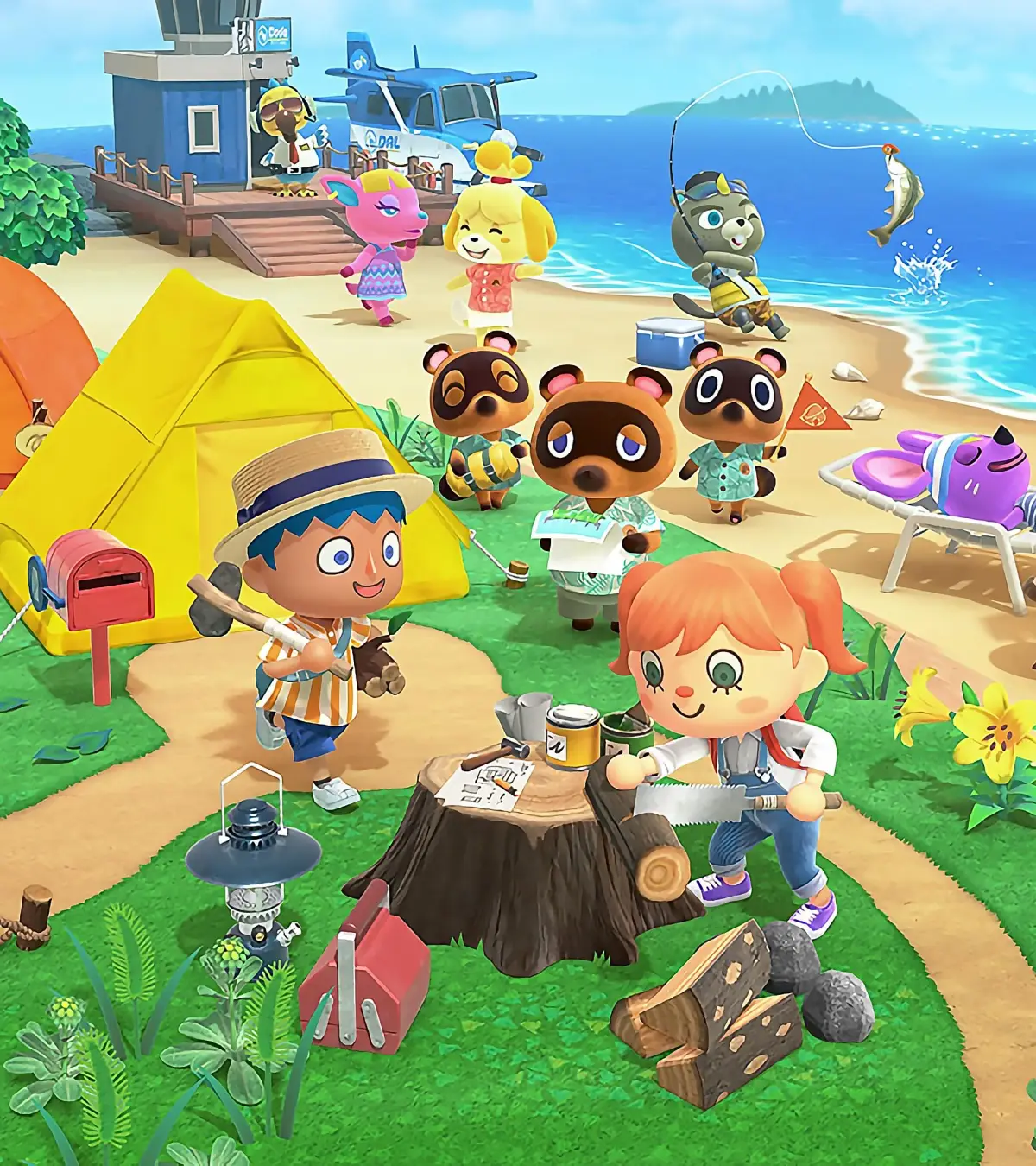
Learn how to invite your favorite villagers to design dream vacation homes in Animal Crossing: New Horizons' Happy Home Paradise DLC. It's easier than you think!
Alright, so you've jumped into the Happy Home Paradise DLC for Animal Crossing: New Horizons and you're ready to start designing some amazing vacation homes for your island pals. It's a super fun part of the DLC, and thankfully, it's not too tricky to get started. Here’s how you can get your villagers to join you on the Paradise Planning island!
First things first, you'll need to head over to the Paradise Planning HQ. Inside, look for the shop – it's usually tucked away in the bottom left corner. Here, you're going to want to pick up some Souvenir Chocolates. These are key to inviting your villagers. You can grab a single box for 800 Poki, or if you're planning on inviting a few friends, you can get three boxes for 2,000 Poki. Stock up!
Once you've got your chocolates, it's time to head back to your main island. Find the villager you want to invite and, here's the important part, gift them one of the Souvenir Chocolates. When you give them the chocolates, you'll get a special prompt that lets you invite them to the vacation resort. How cool is that?
After you've invited them, you'll need to take them to the airport. From there, you can travel together to the Paradise Planning island. Once you arrive, remember to chat with Lottie and put on your work clothes. You won't be able to start designing their vacation home until you're dressed for the job! Your villager will be waiting for you on the beach, ready for their dream home design to begin.
100% Human-Written. AI Fact-Checked. Community Verified. Learn how AntMag verifies content