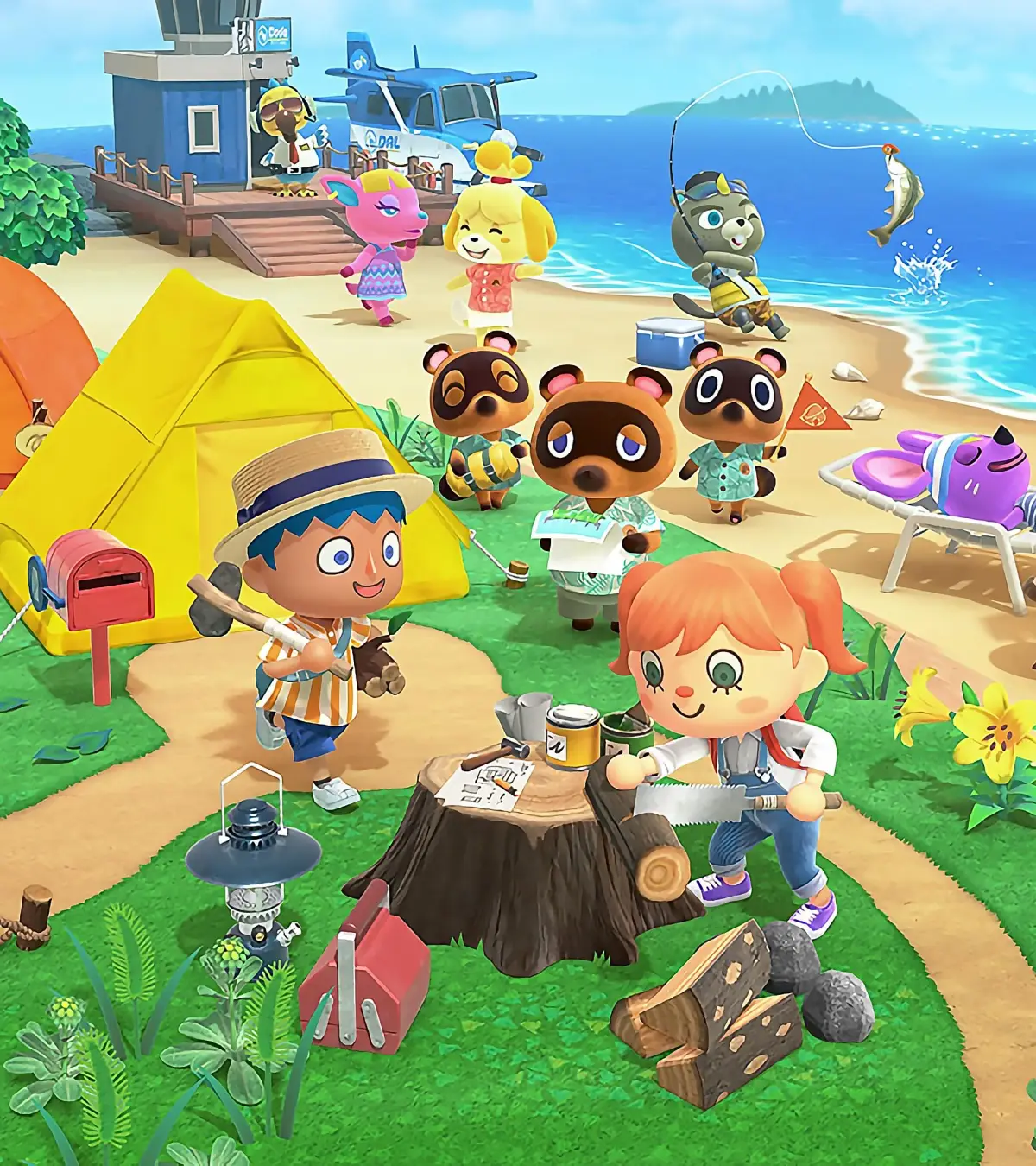
Discover how to access Harv's Island and use Photopia to stage photoshoots with your villagers in Animal Crossing: New Horizons. Learn about sets, models, and wardrobes!
Hey there! So, after you get Nook's Cranny up and running, you'll notice a new visitor hanging around your town named Harvey. He usually shows up the day after your shop opens, but it's not a hard and fast rule, so don't worry if it takes an extra day.
Harvey's got this cool photo studio on his own island called Photopia, and he'll invite you over to check it out. To get there, just head to the airport, chat with Orville, and tell him you want to fly to Harv's island. You can pop over whenever you feel like it to set up some awesome photo ops with your villagers!
Harv's Island & Photopia
Once you've chatted with Harvey outside his studio, head on inside to kick off the Photopia tutorial. It's pretty straightforward, but here's the lowdown:
- Sets: Harv's studio has six different rooms, and you have total freedom to decorate them however you want! You can switch up the decor by pressing down on the D-pad, just like you do at home. You'll get access to some extra props and furniture from Harvey's collection, and you can even use your own furniture. Any of Harv's furniture you use can be bought later from the Nook Catalog, which keeps a history of everything you've ever picked up or purchased.
- Models: Get ready to have your very own villagers star in your photos! You can invite up to 10 of them to come model. If you've got any Animal Crossing Amiibos, you can use those characters too. You can even direct your models to strike poses using your reaction wheel – they'll only be able to do the emotions you've already learned. To pick a reaction, select a model and press ZR on your controller. Then, before you snap the photo, press A to give them a moment to strike their pose.
- Wardrobe: You can also choose what your models wear, which is super handy for matching their outfits to the set you've created. You can use the Nook Shopping app to borrow any clothes you have in your catalog to dress up your models – remember, these are only clothes you've encountered in the game so far. To change their outfits, use the down button on the D-pad, select the model, and then press X to change their look.
- Taking Photos: You can either use the screen capture button on your controller or the camera app on your Nookphone. For more detailed tips on using the camera, you'll want to check out the Beginner's Guide on Photography.
Villager Posters
Here's a neat little bonus: whenever you use new villagers in Photopia, you'll be able to buy a headshot poster of them from the Nook Shopping function at the Nookstop. It's a fun way to remember your photoshoot sessions!
100% Human-Written. AI Fact-Checked. Community Verified. Learn how AntMag verifies content