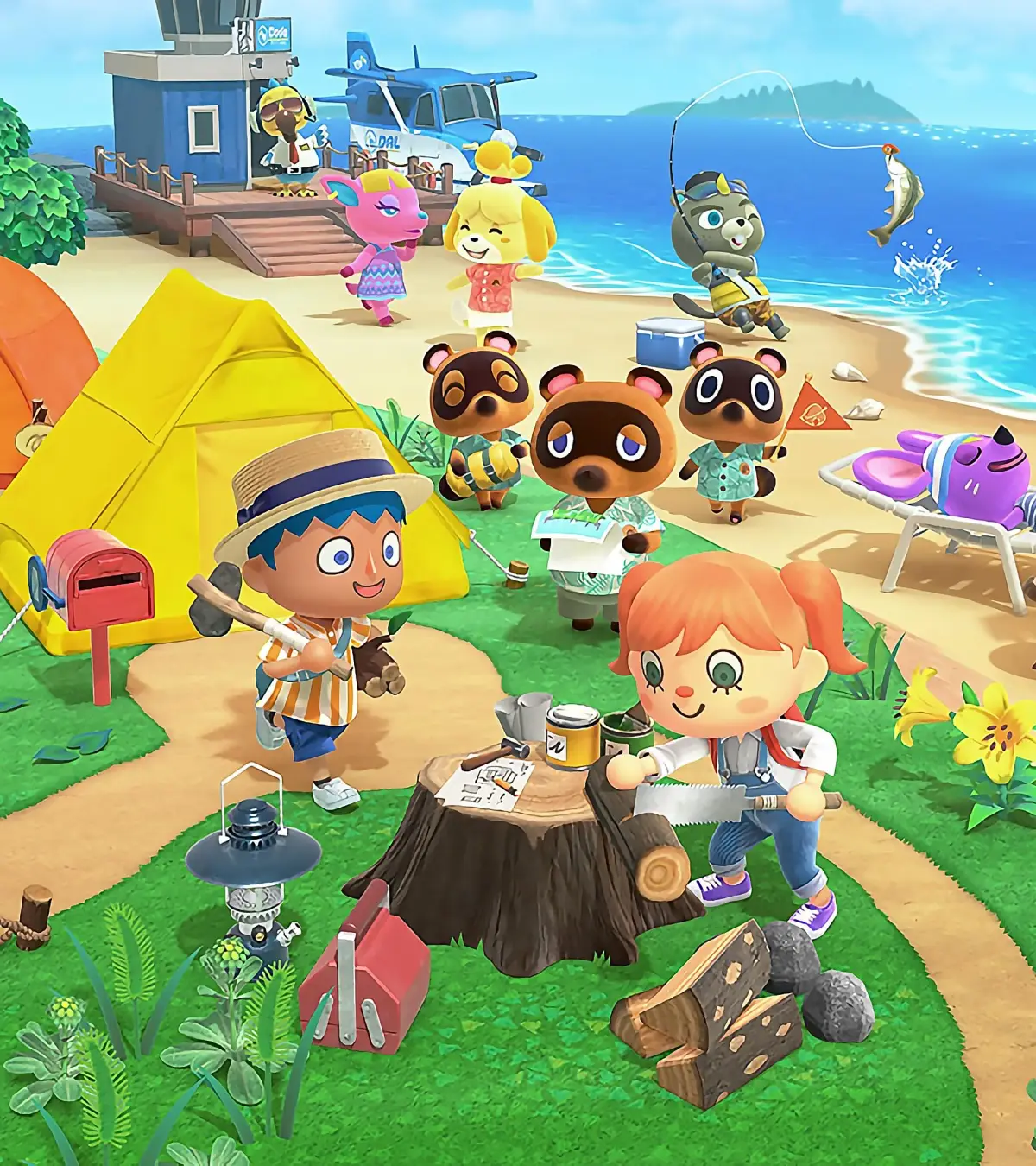
Learn how to use the cliff construction tool in Animal Crossing: New Horizons. Get tips on creating multi-level islands, unique features, and enhancing your island's layout.
This page offers a walkthrough of how to use the cliff construction tool in the Island Designer app. You will also find tips on how to create features using cliffs and multiple levels.
How to Use the Cliff-Construction Tool
First, buy the cliff-construction permit for 6,000 miles from the Nookstop. Access it through the Island Designer app. Press + to open the construction menu, and select the Cliff-Construction Permit from the bottom of the path designs.
There are restrictions on placing cliffs: you cannot place them within one tile of a tree. To place a higher tier of cliff, you must have one tile between cliff edges; you cannot have cliffs higher than 1 level tall initially. A 3rd level of cliffs can be placed, but your character won't be able to climb to it, making it purely aesthetic. You can opt not to build cliffs, but certain fish only spawn on higher levels, so at least one raised area with water is recommended.
You can build cliffs wherever you like, but you can only create and destroy cliffs from the lower level. You cannot add or take away land on the same level you are on. Add a block of land by pressing A. To remove a cliff, walk up to the block and press A. Like rivers, you can soften harsh edges by pressing A.
Cliff Ideas
This section offers ideas on how to use the cliff-construction tool to change your island.
Add More Raised Levels!
Your default island has only a couple of raised areas. Add more raised areas to give your island dimension and complexity. Don't be afraid to change your island's appearance drastically; some players flatten their entire island and start from scratch.
Not So Secret Beach
Use the cliff-construction tool to flatten the earth around the secret beach where Redd docks on your northern shores. Expose it completely by flattening land or dig it out slightly to make room for inclines and decoration.
Tiered Market Places
Create small market places on your island. A fun way to make your market unique is to have it on two levels! This provides more space for stalls, and a staircase between them adds to the market's busyness.
A 2nd Floor for Your Outdoor Cafe
Spice up your outdoor cafes by adding a second level. This offers more seating, and a staircase to the second level serves as a great aesthetic feature.
A Grand Entrance Onto Your Island
Make your island stand out by creating a grand entrance from your Airport. If your town hall and airport are lined up with a good distance between them, this is a perfect space to add extra levels to create a forced entryway.
100% Human-Written. AI Fact-Checked. Community Verified. Learn how AntMag verifies content