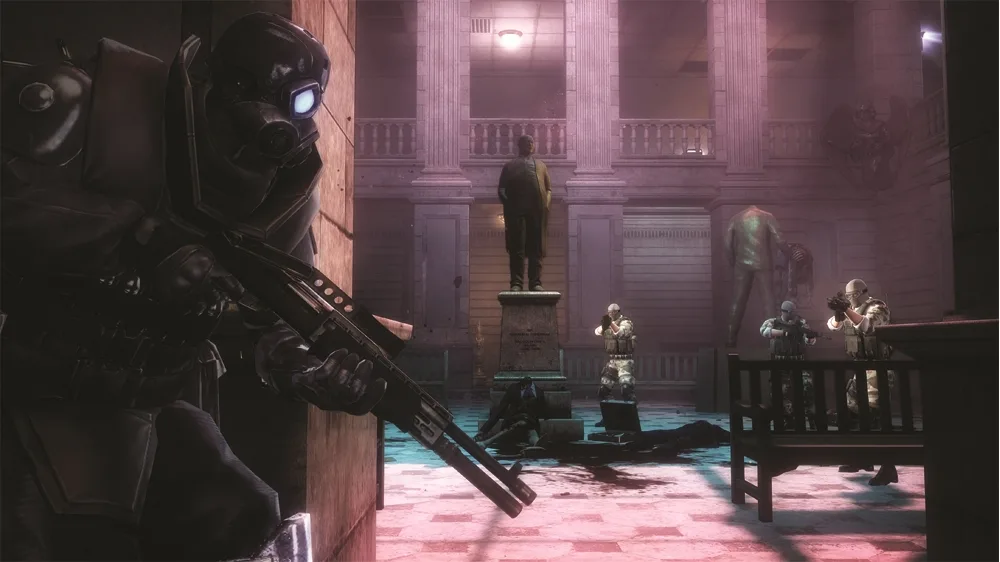
Navigate the Warehouse Loading Bay in Resident Evil: Operation Raccoon City. Learn how to open the bay doors, find Security Camera 4/18, and collect vital Intel.
Alright, so you've made it to the Warehouse Loading Bay. It's not too complicated, but there are a few things to keep an eye on here, especially with that big ol' Nemesis lurking around. Let's get these bay doors open so we can move on.
Objective: Open the Warehouse Bay doors
Walkthrough
- 1First things first, you'll hear that familiar Nemesis growl from deep inside the warehouse – just ignore it for now, we've got bigger fish to fry. Head towards the back of the warehouse. You'll see some trucks; the controls for the shutters are right behind them. Interact with these controls to start raising the shutters.
- 2As soon as the shutters start going up, you'll notice zombies crawling under them. Keep an eye out, but don't worry too much, they're just distractions for now. The shutters will get stuck partway up.
- 3To get them fully open, we need to find and switch on three breakers. Head back towards the main warehouse entrance. You'll find two breakers on the walls to the left of the entrance door. The third breaker is on the wall directly across from the entrance. Press them all to raise the shutters the rest of the way.
Tips
- Keep an eye out for Security Camera 4/18. It's located on the wall above the three shutters, way up high, so you'll need to look carefully while you're inside the loading bay entrance.
- You can find a Green Herb on the far left side of the walkway, near those shutters in the back. Always good to grab if you need a health boost.
- There are two pieces of Intel to snag here: Intel 7 is on top of a trashcan just ahead and to the left as you step away from the warehouse entrance door. Intel 8 is sitting on top of a wooden pallet on the right side of the warehouse. Grab them if you're going for full completion!
100% Human-Written. AI Fact-Checked. Community Verified. Learn how AntMag verifies content