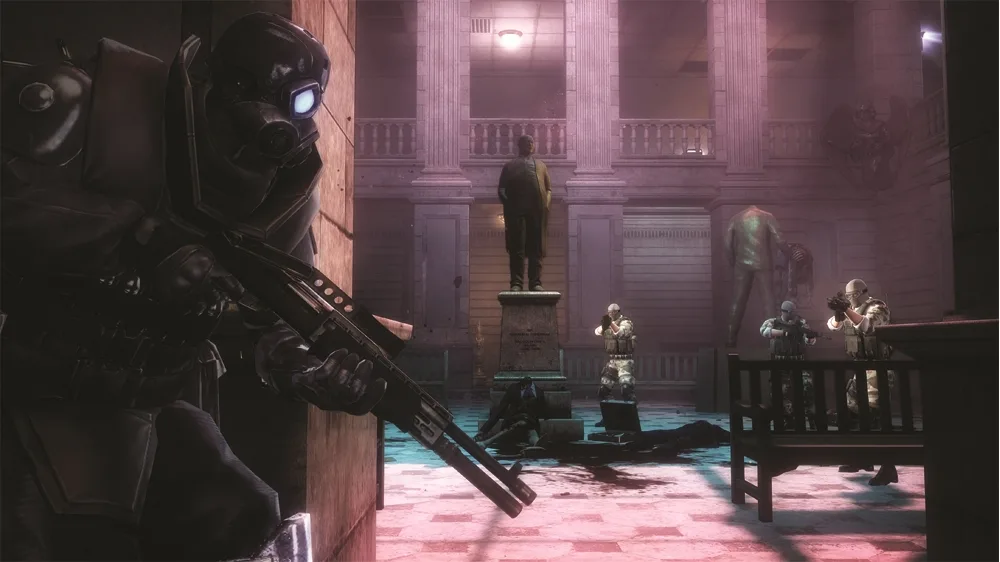
Learn how to take cover behind walls and objects in Resident Evil: Operation Raccoon City. Press the left analog stick towards a surface to initiate cover.
You can push against almost any flat wall surface to make your character lean against it and take cover behind it. This includes walls, crates, roadblocks, and any other type of flat surface.
To step out of cover and aim your weapon at an enemy, press the precision aiming button. If you are in a low cover area, such as behind a crate, pressing the precision aiming button will cause your character to rise up over the cover and aim.
Tips
- Utilize various flat surfaces like walls, crates, and roadblocks for cover.
- Press the precision aiming button to exit cover and engage enemies.
- In low cover, pressing the precision aiming button allows you to aim over the top.
100% Human-Written. AI Fact-Checked. Community Verified. Learn how AntMag verifies content