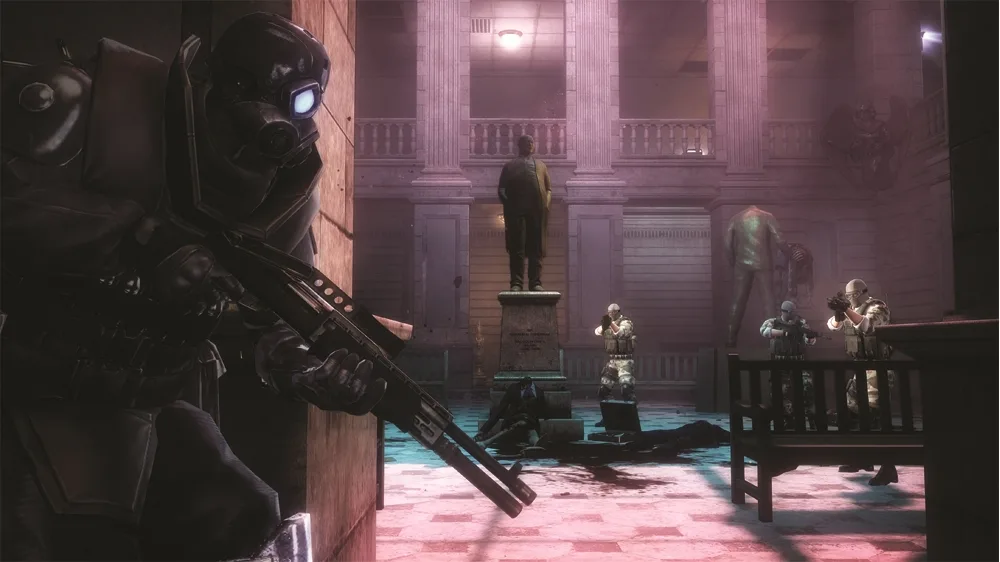
Learn how to use a zombie as a bullet shield or perform a CQC grab on soldiers in Resident Evil: Operation Raccoon City using the melee button.
Walkthrough
- 1Press and hold the melee button (O or B) near a zombie or soldier to grab them.
- 2While grabbing a zombie: You can use the zombie as a bullet shield against incoming attacks. You can still precision aim (using the aiming button), use some abilities (with the ability button), and toss grenades. To end the grab, tap the melee button to push the zombie away or press the interact button to kill it with a neck snap.
- 3While grabbing an enemy soldier: You will restrain the soldier and hold your current secondary weapon at their head. Tap the melee button to knock them out with a melee attack. You can aim the secondary weapon at the soldier. Shoot the soldier in the head for an instant kill. Shoot the soldier in the stomach to make them bleed, triggering a blood frenzy.
Tips
- While using a zombie as a shield, you retain access to aiming and grenade usage.
- Shooting a soldier in the stomach while holding them is a specific way to trigger a blood frenzy.
100% Human-Written. AI Fact-Checked. Community Verified. Learn how AntMag verifies content