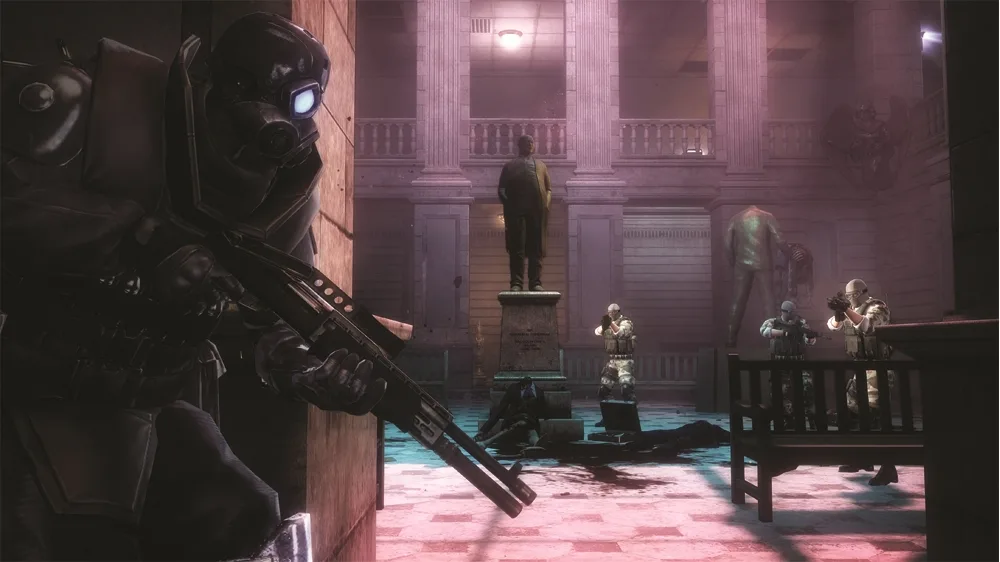
Learn how to perform melee attacks with knife and fists in Resident Evil: Operation Raccoon City. Aim your attacks by holding a direction.
Walkthrough
- 1Tap the melee button (O or B) to perform a close range melee attack using your character's knife and fists.
- 2To aim your melee attack, hold in a direction with the left analog/thumbstick and tap the melee button.
- 3The type of melee attack may change depending on your character's facing.
- 4From behind an enemy, your character will perform kick melee attacks.
Tips
- Melee attacks are a good option for close range combat.
- Melee attacks can stun an enemy, setting them up for a melee kill.
- Holding a direction while tapping the melee button allows you to aim the melee attack.
- Attacks from behind will be kicks.
100% Human-Written. AI Fact-Checked. Community Verified. Learn how AntMag verifies content