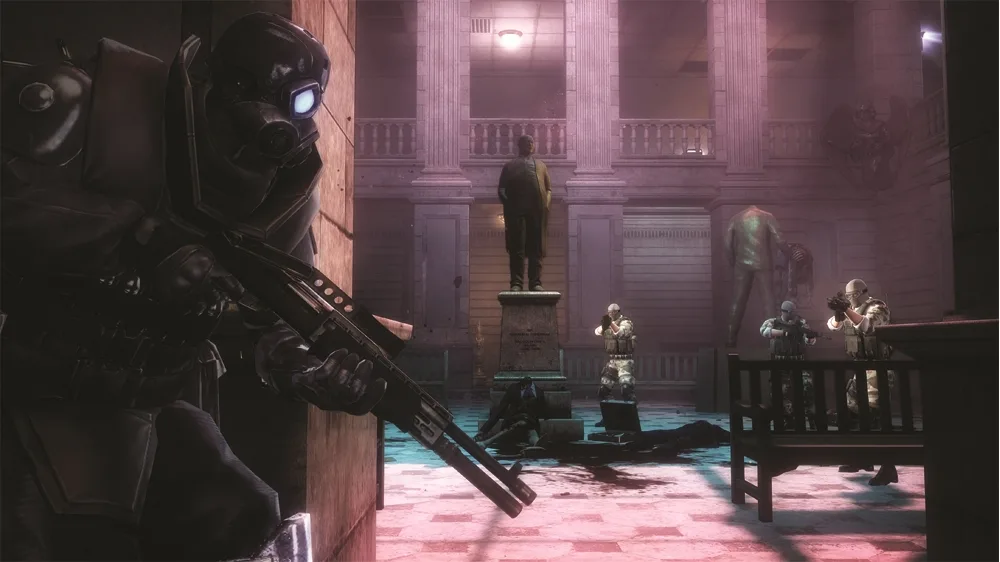
Get a grip on Resident Evil: Operation Raccoon City! This guide breaks down all the default PS3 and Xbox 360 controls, from shooting to using abilities.
Alright, so you're diving into the chaos of Raccoon City and want to know what buttons do what? No worries, I've got you covered. It's pretty standard stuff for the most part, but there are a few key actions you'll want to nail down right away. Let's break down the default controls for both PlayStation 3 and Xbox 360 so you can stop fumbling and start fighting back.
Here's the rundown:
| PlayStation 3 | Xbox 360 | Action |
| [] | X | Reload |
| / | Y | Use Ability |
| O | B | Melee Attack |
| X | A | Interact/Action |
| R2 | RB | Throw Grenade |
| L2 | LB | Switch Weapon/Quick Draw |
| R1 | RT | Fire Gun |
| L1 | LT | Aim Gun |
| L3 | LS | Sprint |
| R3 | RS | Class Specific* |
| Start | Start | Pause Menu |
| Select | Back | Skip Cutscene |
| L thumbstick | L thumbstick | Walk/Strafe |
| R thumbstick | R thumbstick | Look up and down/Turn |
| D-pad up | D-pad up | Class Specific* |
| D-pad down | D-pad down | Use Antiviral Spray |
| D-pad right | D-pad right | Switch Grenade |
| D-pad left | D-pad left | Use First Aid Spray |
*Keep in mind that some classes have unique commands tied to R3/RS and the D-pad up button. These are super important for your specific playstyle, so make sure you know what they do for your chosen character!
**A little trick for you: If you hold down L2/LB and then use the right thumbstick in any direction, you can quickly aim that way. It's a lifesaver when you need to snap to a target fast.
100% Human-Written. AI Fact-Checked. Community Verified. Learn how AntMag verifies content