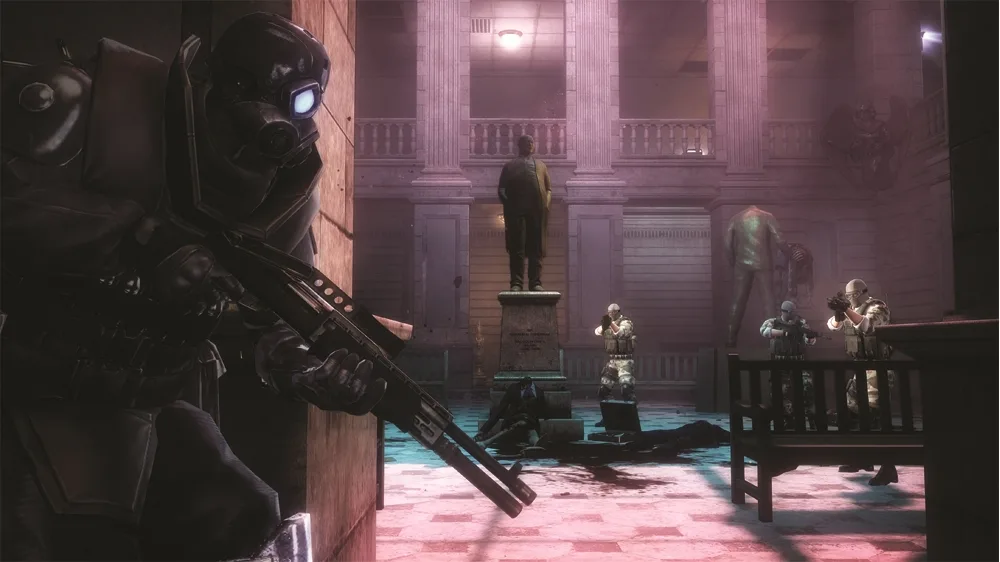
Guide to the warehouse area below the Spec Ops on the catwalk in Resident Evil: Operation Raccoon City. Find intel and control room access.
Alright, so you're in the warehouse, and you've made your way up to the catwalk. Before you head out, take a quick sweep of the room for any useful items. Once you're geared up, you'll need to open the door located at the very back of the warehouse, up on top of the catwalk.
Keep an eye out for Security Camera 6/18. It's perched on the wall above the catwalk, right where that final group of Spec Ops soldiers is hanging out in the stock room.
Warehouse Control Room
As you move through the control room corridor, you'll get a view through the window of the Nemesis. He's currently engaged with some Spec Ops soldiers, and honestly, it's not much of a fight – Nemesis is handling them easily.
Follow this corridor as it winds around the corner. At the very end, you'll find the control room. Head inside and interact with the controls. You'll notice a laptop directly across from the switch that activates the elevator.
Don't miss Security Camera 7/18. While you're heading down the control room corridor, look for it on the left wall. It's positioned above the double doors that have the 'EXIT' sign.
Intel and Items
You'll find a couple of intel items in this area:
- Intel 11: This is located on top of a table to your right as you move around the side of the control room corridor. You'll be able to see Nemesis outside the windows nearby.
- Intel 12: Grab this intel from the controls, right near the switch you use to activate the elevator.
100% Human-Written. AI Fact-Checked. Community Verified. Learn how AntMag verifies content