Learn how to navigate menus, equip weapons, attack, and use items in Resident Evil with this guide to the S.T.A.R.S. Manual, detailing all controller inputs.
This guide explains the controls and functions within the S.T.A.R.S. Manual for Resident Evil. Note that all explanations correlate with controller TYPE-A. If you have changed your controller type, adjustments may be necessary.
How to view your STATUS SCREEN:
Press the Y Button during gameplay. The Status Screen cannot be accessed during cut-scenes or while being attacked. Within the Status Screen, you can perform the following actions:
- Equip weapons
- Use items
- View maps
- Read files
How to VIEW MAP:
From the STATUS SCREEN, select MAP from the menu bar, or simply press the Z Button during the game. If you have not obtained a map, only explored areas will be displayed.
How to READ MAPS:
- Uncolored rooms: Unexplored rooms.
- Orange rooms: Rooms with items remaining.
- Green rooms: Explored rooms with no items left.
- Red doors: Locked doors.
- White doors: Unlocked doors.
- Blue doors: Doors you have previously passed through.
How to PUSH THINGS:
When encountering a movable object, face it in the desired direction and press the Control Stick (or + Control Pad) in that direction. The object will be pushed.
CLIMBING ON & CLIMBING DOWN:
- To climb on: Walk up to a waist-high object and press the A Button. This also applies to movable objects.
- To climb down: Stand on the edge of an object and press the A Button.
How to EQUIP WEAPONS:
In the STATUS SCREEN, select the desired weapon and then choose the "EQUIP" command. Weapons must be equipped to be used for attacking.
ATTACKING STANCE:
Hold down the R Button to assume an attacking stance towards the closest enemy.
How to ATTACK:
While holding down the R Button, press the A Button to attack the enemy with your equipped weapon.
180 DEGREE TURN:
While pressing down the Control Stick (or the + Control Pad), press the B Button. This can also be performed using the C Stick alone.
EXAMINE AN ITEM:
From the STATUS SCREEN, select an ITEM and then choose the EXAMINE command to view its details.
Emergency Evade:
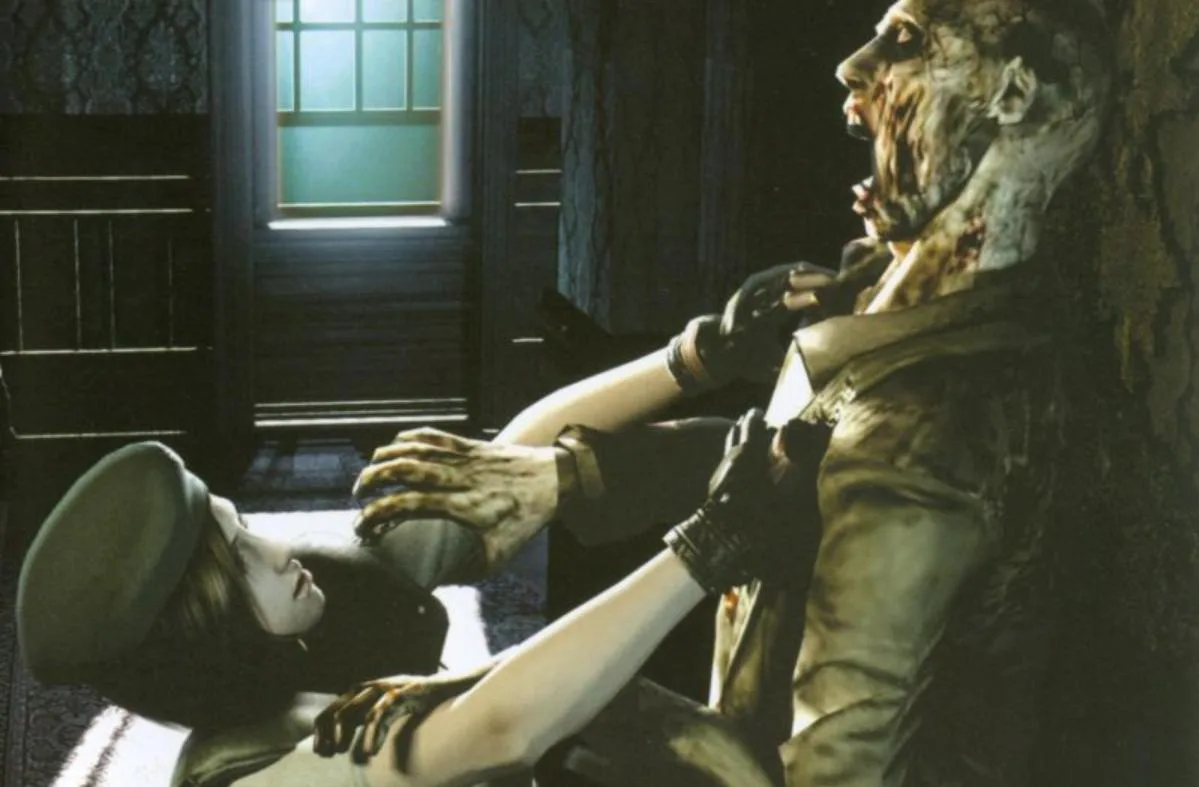
Using DEFENSE ITEMS, such as Daggers, allows for a momentary escape when grabbed by an enemy, unless grabbed from behind. To equip a DEFENSE ITEM, go to the STATUS SCREEN, select an ITEM from the DEFENSE ITEM menu, and then select EQUIP. If your DEFENSE ITEM mode is set to MANUAL in Controller Settings, press the L Button to use the DEFENSE ITEM.
100% Human-Written. AI Fact-Checked. Community Verified. Learn how AntMag verifies content