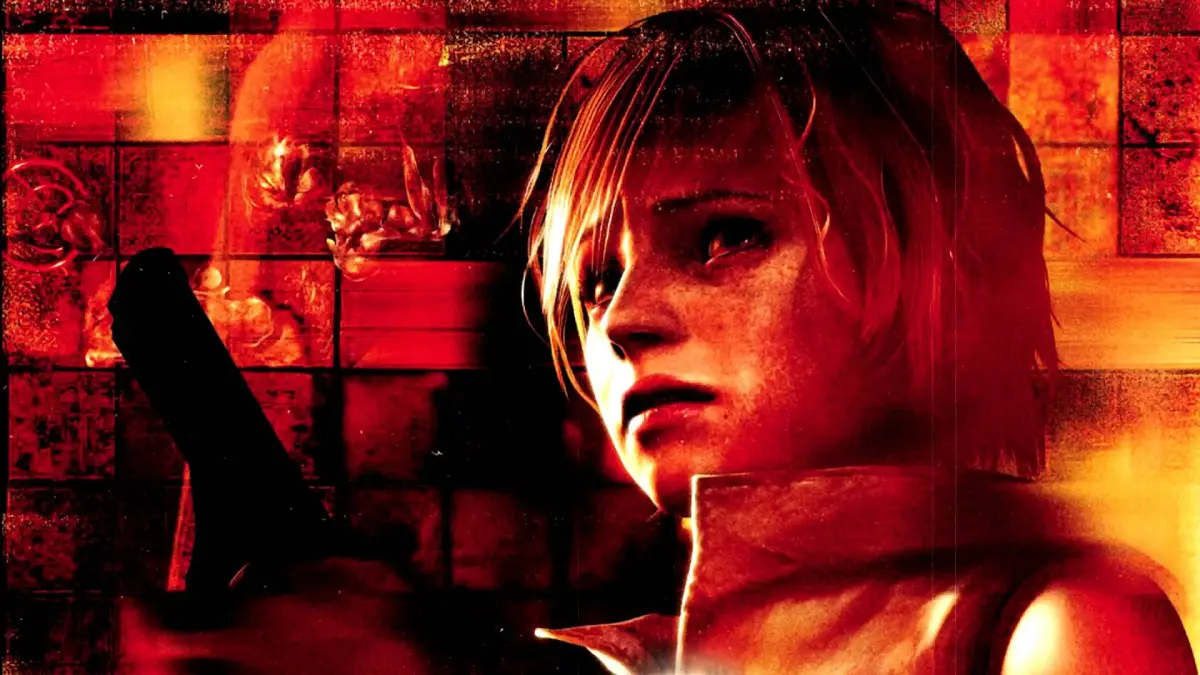
Learn how to unlock and enter codes for extra costumes in Silent Hill 3. This guide explains the process after completing the game and using the Options Menu.
After completing Silent Hill 3 once, you can unlock extra costumes. This option allows you to enter various codes to access new outfits. Codes may appear on the end ranking screen, but they must be entered in the Extra Costume menu before they can be used in-game.
Save/Load Menu: This menu is accessed from the main menu's Load option or from a save point in-game. To save, you must find and examine red circular insignias. Saving a new file requires 364 KB of memory card space, and you can save up to 40 slots per card. It's recommended to save in multiple slots to allow loading previous progress. Be cautious not to overwrite your main save file if it contains unlockables, especially when starting a fresh New Game instead of an Extra New Game.
Options Menu: Here you can customize various game settings:
- Button Config: Type A, Type B
- Language: English, French, German, Italian, Spanish, Korean, Japanese
- Subtitles: Off, On
- Brightness Level: Levels 0-7
- Screen Position: X and Y Coordinates
- Vibration: Off, Soft, Normal, Hard
- Sound: Stereo, Monaural
- BGM Volume: 1-16
- SE Volume: 1-16
- Control Type: 3D Type, 2D Type
100% Human-Written. AI Fact-Checked. Community Verified. Learn how AntMag verifies content