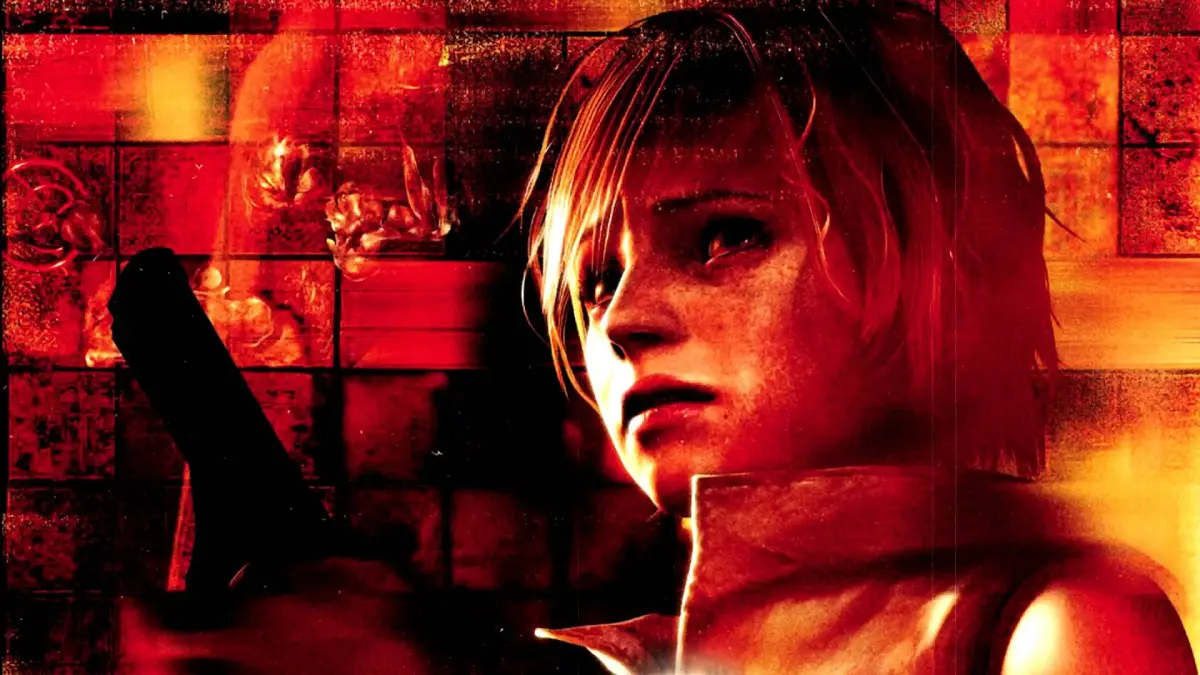
Get the most out of Silent Hill 3! Learn how to optimize controls, graphics, and atmosphere settings for the ultimate terrifying experience. Essential tips before you begin.
Hey there! Before we dive headfirst into the nightmare that is Silent Hill 3, there are a few things you'll want to tweak in the game's options to make sure you're getting the absolute best, and most terrifying, experience possible. Think of it like prepping your gear before a big mission – it makes all the difference.
First up, and this is a big one: head into the Extra Options and change the Walk/Run Control setting to Reverse. Normally, you have to hold down the Square button to run, and if you're not holding it, you'll just walk. That's a pain, right? By switching this, running becomes your default. You'll be doing a LOT of running in Silent Hill 3, so this is a massive convenience boost. If you ever *need* to walk, you can just tap Square. Seriously, do this. Your thumbs will thank you.
Next, let's talk about the Noise Effect. It's meant to give the game a bit of an old-school horror flick vibe, which sounds cool, but honestly, it can obscure the game's fantastic graphics. Silent Hill 3 was a looker back in the day, and it still holds up! I highly recommend turning the Noise Effect off in the Extra Options so you can really appreciate the visuals.
Now for the real immersion stuff. Since this is a masterfully crafted horror game, you're going to want to set the mood. Play this game at nighttime, with the lights off, and the volume turned way up. Seriously, crank it. If you've got a good sound system or a decent pair of headphones, use them! Trust me, letting the game's atmosphere fully envelop you is way more rewarding. It's designed to scare you, so let it do its job!
A quick note on difficulty: This walkthrough was written while playing on the Normal Action Level. Keep in mind that enemy placements, item quantities (like Health Drinks or First-Aid Kits), and ammo pickups might change a bit if you're playing on a different difficulty. The game actually has an adaptive system that tries to give you supplies based on how you're doing. So, while I'll point out where things *should* be, you might find slightly different items, or sometimes nothing at all if you're already stocked up. Don't worry too much about it; the core puzzles and story beats will be the same.
Also, if you're playing on a version other than the PlayStation 2 original, some button prompts might look a little different. I'll be using PS2 inputs like [X] a lot.
Finally, just so you know how I'm marking things in the guide: ALL important items, weapons, supplies, maps, and save points will be shown in CAPITALS.
100% Human-Written. AI Fact-Checked. Community Verified. Learn how AntMag verifies content