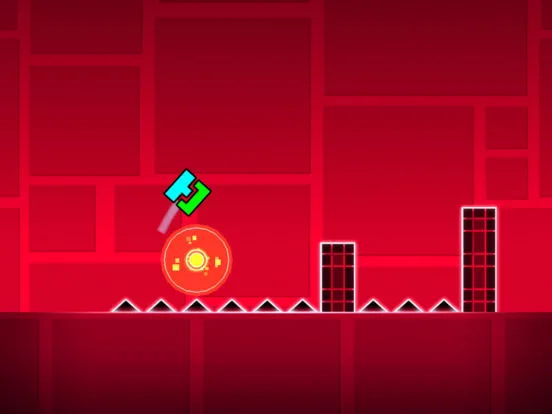
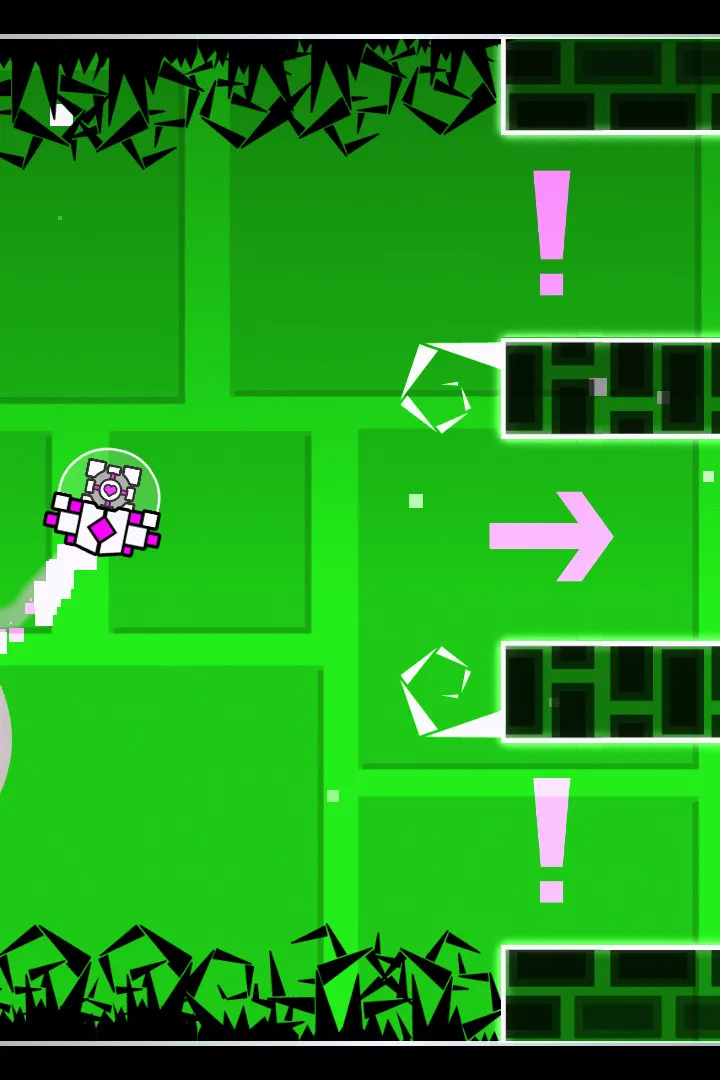
Learn to navigate the Geometry Dash user interface with this comprehensive guide. Understand controls, game mechanics, and level elements to improve your gameplay and conquer challenges.
This guide provides an overview of the user interface and controls for Geometry Dash. It covers the basic mechanics introduced in the early levels, helping players understand how to interact with the game world and its various elements.
| Action | Description |
|---|---|
| Tap/Click | Jump or activate portals/orbs. |
| Hold | Maintain a higher jump or continuous action. |
| Cube Form | The default player icon, jumps when tapped. |
| Ship Form | Player icon transforms into a rocket, flies when tapped. |
| Jump Pads | Launch the player into the air. Can be hazards or aids. |
| Orbs | Activate special actions when jumped on (e.g., gravity change, extra jump). |
| Portals | Transform the player's form or alter gravity. |
As you progress through the main levels, new mechanics and UI elements are introduced. Understanding these is key to mastering the game.
100% Human-Written. AI Fact-Checked. Community Verified. Learn how AntMag verifies content