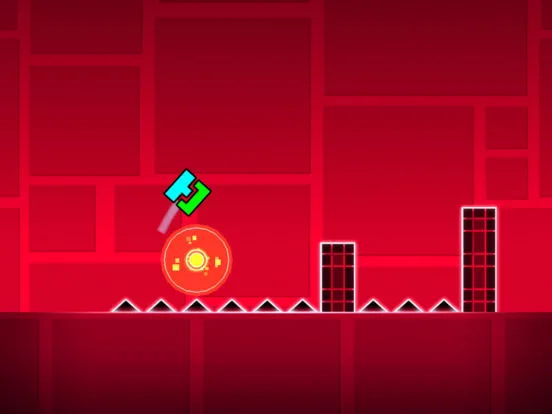
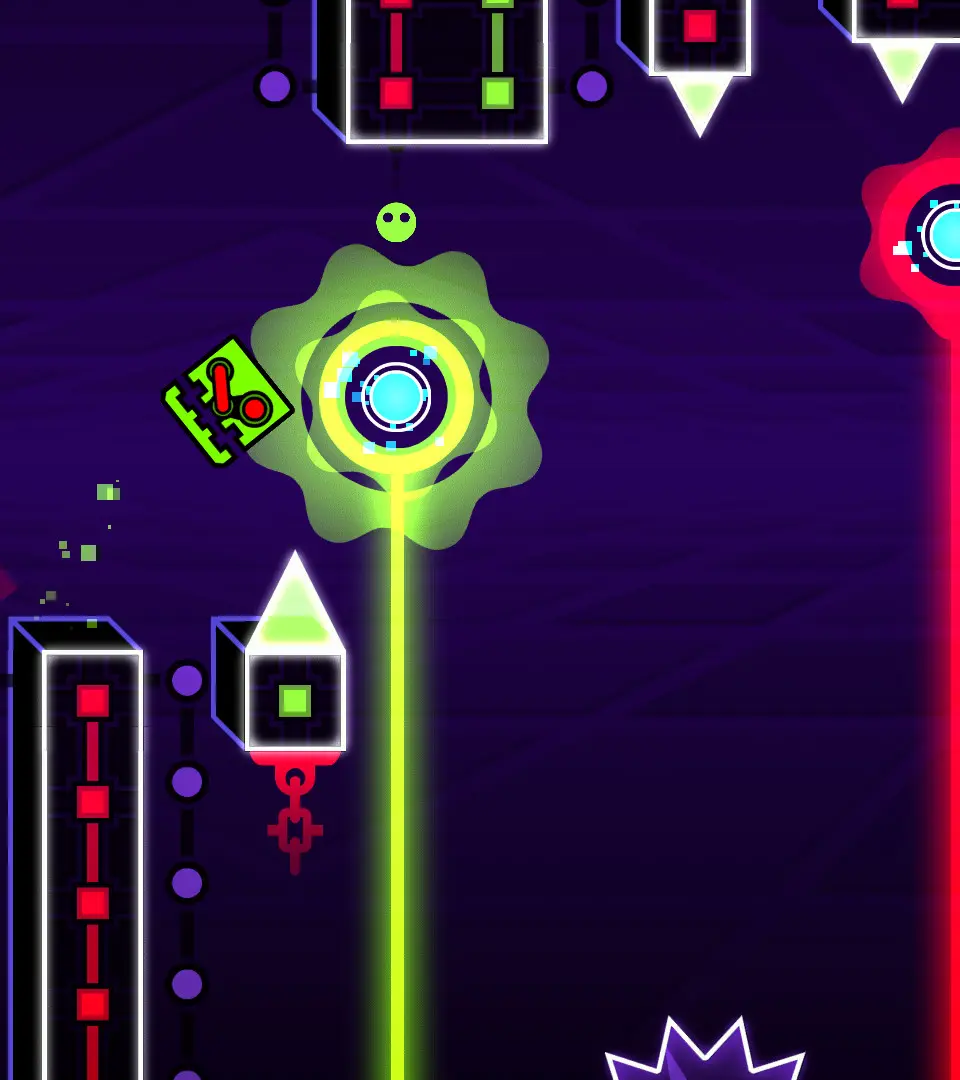
Master Geometry Dash icon customization. Learn how to unlock and equip different player icons, trails, and death effects for unique avatar styles.
Geometry Dash offers an unparalleled level of customization for your in-game avatar. Your "icon" is a collection of seven distinct forms your character can take, each corresponding to a specific game mode. Beyond these primary forms, you can also personalize your trail and death effect, allowing for truly unique visual expression. Understanding how to unlock these myriad options is key to crafting your perfect look.
There are seven primary icon types, and each can be customized independently. While the default appearance for each is available from the start, a vast array of alternative designs can be acquired through various in-game activities.
Cube Icons
The Cube is your default form and the most common game mode. A significant number of Cube icons are unlocked simply by completing the official main levels.
- Default: Available immediately upon starting the game.
- Stereo Madness: Complete the official level "Stereo Madness."
- Back on Track: Complete the official level "Back on Track."
- Polargeist: Complete the official level "Polargeist."
- Dry Out: Complete the official level "Dry Out."
- Base After Base: Complete the official level "Base After Base."
- Can't Let Go: Complete the official level "Can't Let Go."
- Jumper: Complete the official level "Jumper."
- Time Machine: Complete the official level "Time Machine."
- Cycles: Complete the official level "Cycles."
- xStep: Complete the official level "xStep."
- Clutterfunk: Complete the official level "Clutterfunk."
- Theory of Everything: Complete the official level "Theory of Everything."
- Electroman Adventures: Complete the official level "Electroman Adventures."
- Clubstep: Complete the official Demon level "Clubstep."
- Electrodynamix: Complete the official level "Electrodynamix."
- Hexagon Force: Complete the official level "Hexagon Force."
- Blast Processing: Complete the official level "Blast Processing."
- Geometrical Dominator: Complete the official level "Geometrical Dominator."
- Deadlocked: Complete the official Demon level "Deadlocked."
- Fingerdash: Complete the official level "Fingerdash."
- Dash: Complete the official level "Dash."
- Explorers: Complete the official level "Explorers."
- Theory of Everything 2: Complete the official Demon level "Theory of Everything 2."
Other Icon Types & Unlock Methods
While the Cube has the most level-completion unlocks, all other icon types (Ship, Ball, UFO, Wave, Robot, Spider) also have a default design and a plethora of unlockable alternatives. The methods for acquiring these are consistent across all icon types:
Ship Icons
The Ship allows for free-flying movement. Many Ship icons are unlocked through collecting a certain number of Secret Coins or completing specific achievements related to user-created levels.
- Default: Available from the start.
- Example Unlock (Achievement): Collect 10 Secret Coins.
- Example Unlock (Shop): Purchase from the Community Shop for 1,000 Orbs.
Ball Icons
The Ball mode changes gravity with each click. Ball icons are often tied to star collection milestones or specific challenge completions.
- Default: Available from the start.
- Example Unlock (Achievement): Collect 500 Stars.
- Example Unlock (Vault): Enter a specific code in The Vault of Secrets.
UFO Icons
The UFO allows for controlled jumps, similar to Flappy Bird. UFO icons can be earned through completing Daily Levels or accumulating a certain number of Likes on your own levels.
- Default: Available from the start.
- Example Unlock (Achievement): Complete 5 Daily Levels.
- Example Unlock (Shop): Purchase from the Secret Shop for 5,000 Orbs.
Wave Icons
The Wave mode requires holding to ascend and releasing to descend, navigating tight spaces. Wave icons are frequently awarded for completing Demon levels or achieving high scores in Gauntlets.
- Default: Available from the start.
- Example Unlock (Achievement): Complete 3 Demon levels.
- Example Unlock (Vault): Solve a riddle in The Vault of the Guardians.
Robot Icons
The Robot mode features a larger character that jumps based on the duration of your click. Robot icons are often tied to collecting Diamonds or completing specific Map Packs.
- Default: Available from the start.
- Example Unlock (Achievement): Collect 100 Diamonds.
- Example Unlock (Shop): Purchase from the Community Shop for 2,000 Orbs.
Spider Icons
The Spider mode instantly teleports to the nearest surface upon clicking, reversing gravity. Spider icons are typically unlocked through completing Gauntlets or achieving high percentages on challenging levels.
- Default: Available from the start.
- Example Unlock (Achievement): Complete the "Fire Gauntlet."
- Example Unlock (Vault): Enter a specific code in The Vault of Secrets.
General Unlock Methods for All Icon Types
Beyond level completion, there are three primary avenues for acquiring new icons across all seven types:
-
Achievements: Many icons are tied to specific in-game achievements. These can range from simple tasks to significant milestones.
- Star Collector: Accumulate a certain number of Stars (e.g., 500, 1000, 2000).
- Coin Hoarder: Collect a specific quantity of Secret Coins (e.g., 10, 20, 30).
- Demon Slayer: Complete a set number of Demon difficulty levels (e.g., 1, 3, 5).
- Daily Player: Finish a certain number of Daily Levels.
- Gauntlet Conqueror: Complete specific Gauntlets (e.g., Fire Gauntlet, Ice Gauntlet).
- Creator Recognition: Receive a certain number of Likes or Downloads on your uploaded levels.
-
Shops: Icons can be purchased using Orbs, one of the game's primary currencies.
- Community Shop: Located in the main menu, this shop offers a rotating selection of icons, colors, and other customizations. Prices typically range from 500 to 5,000 Orbs.
- Secret Shop: Accessed via a hidden button or specific conditions, this shop often contains more unique or expensive items.
- Scratch (The Challenge): Completing "The Challenge" in the basement of the main menu can also unlock shop access or specific items.
-
Vaults: Hidden areas where you can enter specific words or solve riddles to unlock exclusive content.
- The Vault of Secrets: Found by clicking the padlock icon in the settings menu. Requires specific words to be entered.
- The Vault of the Guardians: Accessed after meeting certain criteria (e.g., collecting 50 Secret Coins). Features riddles and more complex unlock conditions.
- The Chamber of Time: Another hidden vault with its own set of unique unlocks.
Trail & Death Effect Customization
Beyond the seven primary icon types, you can further personalize your character's appearance through two additional cosmetic options:
- Trail: This is the visual effect left behind your icon as it moves across the screen. Trails can be unlocked through achievements (e.g., collecting a certain number of stars) or purchased in shops.
- Death Effect: This animation plays when your icon crashes. Like trails, death effects are acquired through achievements (often related to completing difficult levels) or shop purchases.
The sheer number of customization options in Geometry Dash ensures that every player can create a unique and personalized avatar. Experiment with different unlock methods and enjoy the journey of collecting them all!
100% Human-Written. AI Fact-Checked. Community Verified. Learn how AntMag verifies content