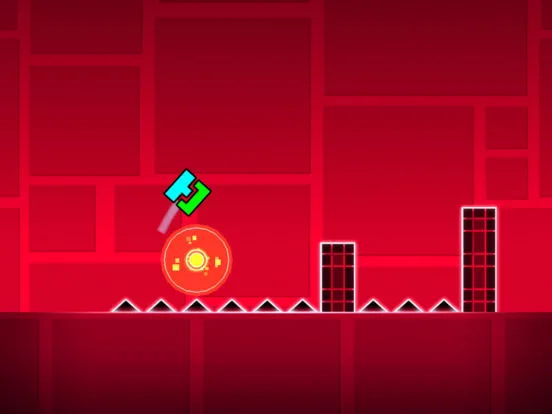
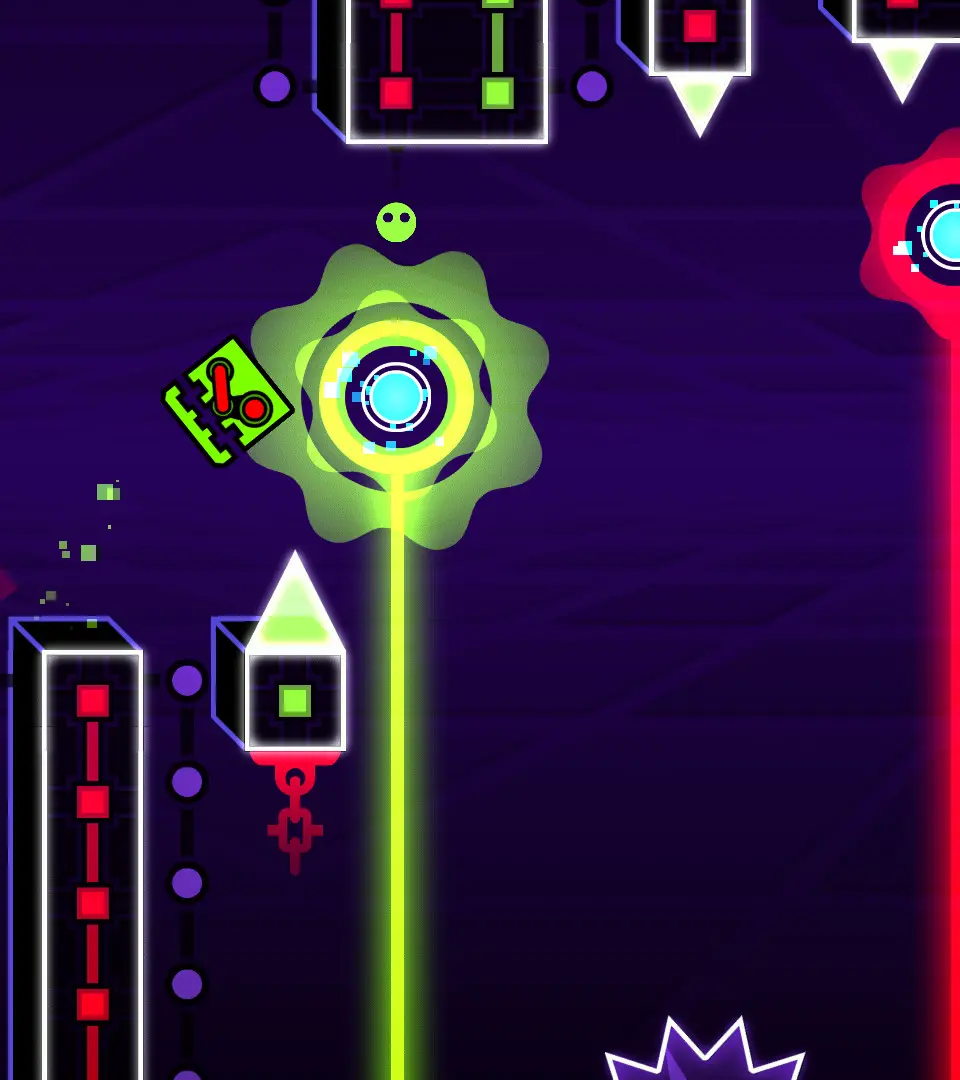
Master the Spider and Robot game modes in Geometry Dash with our comprehensive guide. Learn icon mechanics, strategies, and tips to conquer these unique challenges.
This guide focuses on the Spider and Robot game modes within Geometry Dash, detailing their unique mechanics and how to master them.
| Icon Mode | Description |
|---|---|
| Spider | Introduced in Update 2.2, the Spider mode allows players to switch between two different positions on the screen. Tapping anywhere on the screen will cause the spider to jump to the opposite position. This mode requires precise timing and spatial awareness to navigate obstacles. |
| Robot | The Robot mode, first seen in Update 1.0, features a different jump mechanic. The height of the robot's jump is determined by how long the player holds down the jump button. This allows for more control over jump height, crucial for navigating complex patterns and avoiding spikes. |
Understanding these distinct mechanics is key to progressing through the levels that feature them. Practice and patience are essential for mastering both the Spider and Robot modes.
100% Human-Written. AI Fact-Checked. Community Verified. Learn how AntMag verifies content