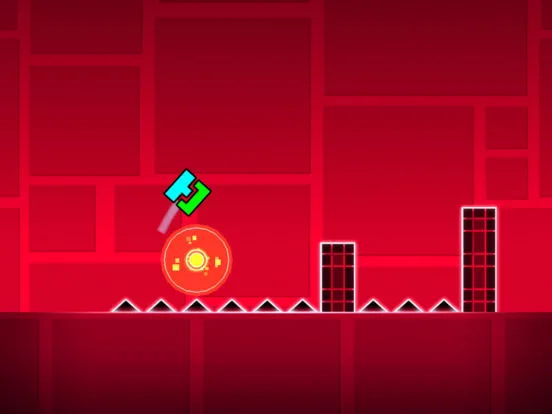
Learn to navigate and master the Geometry Dash user interface with our comprehensive guide. Understand menus, icons, and gameplay elements for a smoother experience.
This guide covers the user interface elements within Geometry Dash, focusing on how they are presented and utilized throughout the game's main levels.
| UI Element | Description |
|---|---|
| Menus | The primary navigation and settings areas of the game. |
| Icons | Visual indicators for different game modes, difficulties, and player customization. |
| Gameplay HUD | Displays essential information during active gameplay, such as progress and collected items. |
| Level Editor Interface | Tools and options for creating custom levels. |
| Shop and Store | Areas for purchasing icons, colors, and other cosmetic items. |
| Settings | Options to adjust game difficulty, audio, controls, and other preferences. |
| Level Select Screen | The interface for choosing and accessing different levels, both official and custom. |
Understanding these UI components is crucial for efficient gameplay and customization in Geometry Dash.
100% Human-Written. AI Fact-Checked. Community Verified. Learn how AntMag verifies content