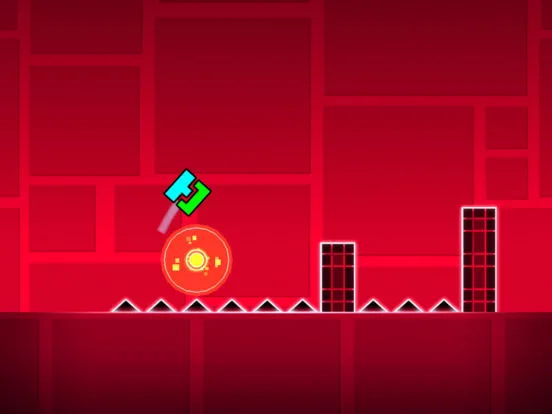
Learn how to follow creators and friends in Geometry Dash with our comprehensive guide. Discover tips and tricks to enhance your social gaming experience and connect with the community.
This guide explains how to follow creators and friends within Geometry Dash, enhancing your social experience and connection to the game's community.
Walkthrough
- 1Navigate to the 'Creators' or 'Friends' section in the game's main menu.
- 2Use the search function to find specific creators or friends by their username.
- 3Select the 'Follow' button next to their profile to add them to your following list.
- 4You can also follow creators directly from their uploaded levels by clicking on their username and then the 'Follow' button.
Tips
- Following creators allows you to easily access their levels and stay updated on their new uploads.
- Adding friends enables you to see their activity, share levels, and play together in certain game modes.
- Check the 'Social' tab regularly for friend requests and notifications.
- Explore the 'More Games' section to discover levels from popular creators.
Following creators and friends enriches your Geometry Dash experience by providing access to a wider range of content and a more interactive community.
100% Human-Written. AI Fact-Checked. Community Verified. Learn how AntMag verifies content