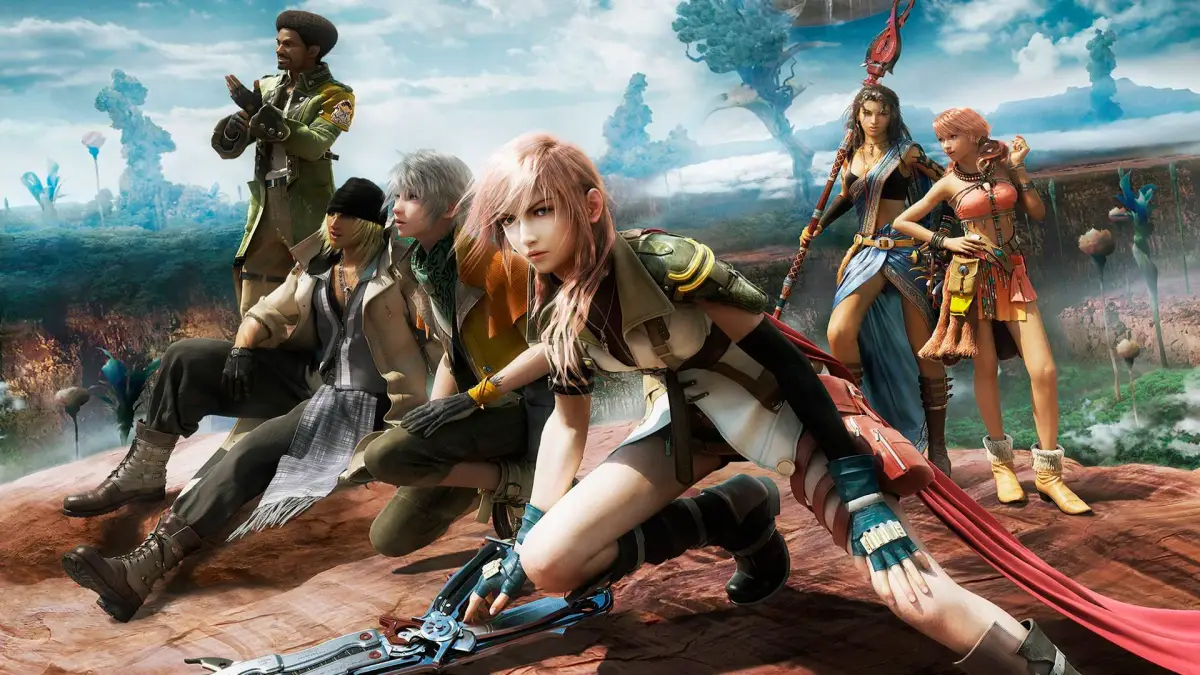
Master the PlayStation 3 controls for Final Fantasy XIII. Learn how to navigate menus, control your characters, and manage the camera with this comprehensive guide.
Walkthrough
- 1Use the L-Stick: Slightly tilt to walk, fully tilt to run.
- 2Use the R-Stick: Change the camera view.
- 3Use the D-Pad: Move the menu cursor.
- 4Press the X Button: Inspect an object when it is able to be interacted with.
- 5Press the Triangle Button: Open the Menu.
- 6Press the Circle button: Cancel actions or selections.
- 7Press the Square button: In the field, open the map.
- 8Press the L1 button: Open the Paradigm menu (in battle). Paradigms are battle formations that determine character roles.
- 9Press the R1 button: Check stats of the selected monster (in battle).
- 10Press the R3 button: Return the camera to the default position behind the party leader.
- 11Press the Start button: Pause the game.
- 12Press the Select button: Hide or show the mini map.
100% Human-Written. AI Fact-Checked. Community Verified. Learn how AntMag verifies content