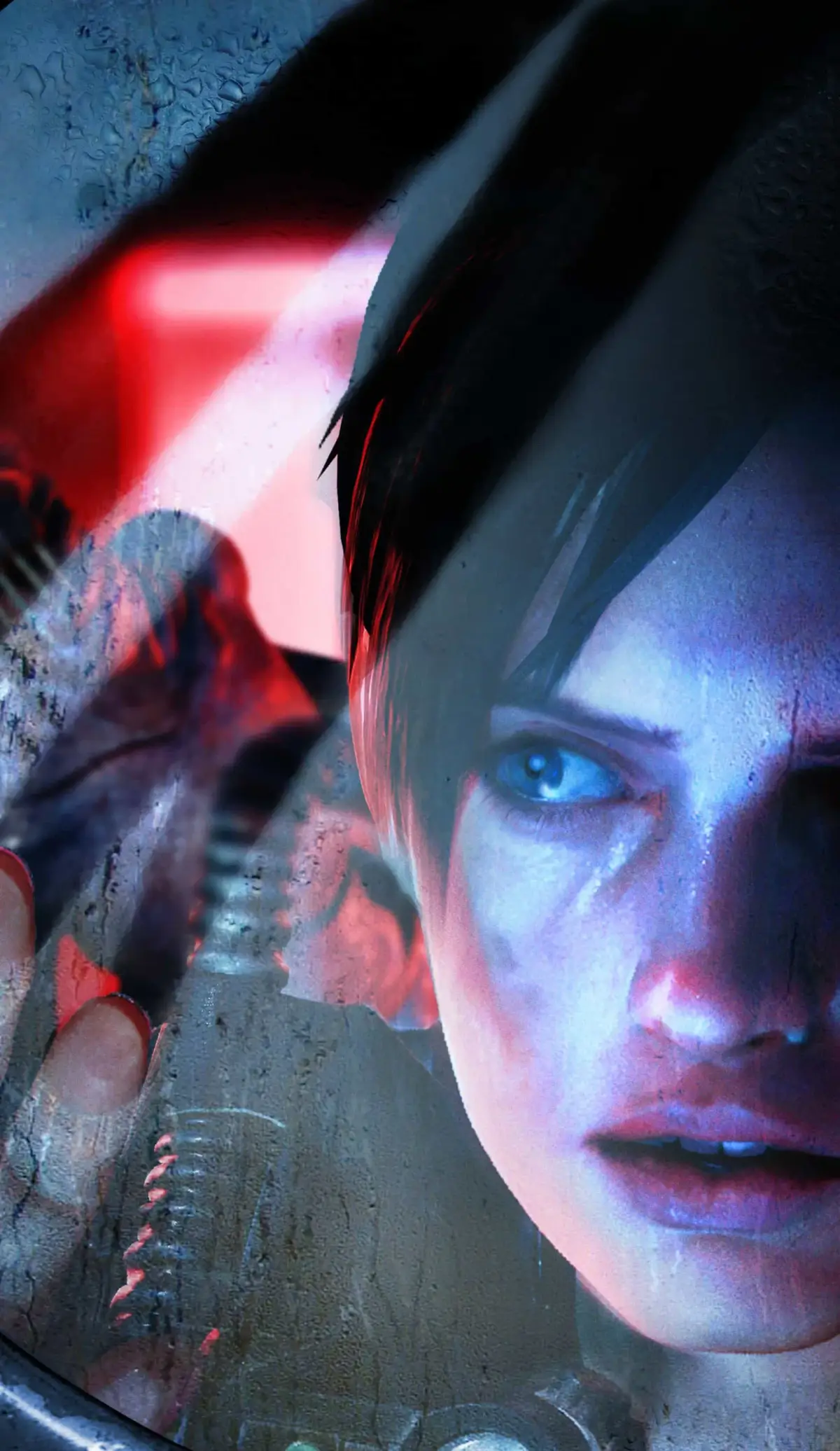
Resident Evil: Revelations offers four control types: Type A (classic), Type B (strafing focus), Type C (FPS-like), and Type D (Circle Pad Pro).
Type A Controls
Type A controls are similar to classic Resident Evil titles, with the ability to run by pressing the circle pad (analog stick) fully forward. A light press allows walking.
- Circle pad forward - Walk/Run (Hold lightly to walk)
- Circle pad left/right - Rotate
- L + circle pad - Strafe
- Circle pad down + B - Quick turn
- Y - Interact/Examine/Open doors/Melee
- A - Use herb
- Hold R + circle pad - Ready/Aim weapon
- Hold R + tap Y - Fire
- Hold R + tap B - Reload
- X - Use subweapon
- Control pad right - Change weapons
- Control pad left - Change subweapons
- Start - Display pause menu (menu)
Type B Controls
Type B alters movement so that pressing left or right on the circle pad causes the character to strafe. To turn, you must hold the B button and then press left or right on the circle pad. This setup is akin to Resident Evil 5's Type D controls.
- Circle pad forward - Walk/Run (Hold lightly to walk)
- Hold B + Circle pad left/right - Rotate
- Circle pad left/right - Strafe
- Circle pad down + B - Quick turn
- Y - Interact/Examine/Open doors/Melee
- A - Use herb
- Hold R + circle pad - Ready/Aim weapon
- Hold R + tap Y - Fire
- Hold R + tap B - Reload
- X - Use subweapon
- Control pad right - Change weapons
- Control pad left - Change subweapons
- Start - Display pause menu (menu)
Type C Controls
Type C controls resemble a first-person shooter (FPS) setup. You rotate your character using the face buttons (A/B/X/Y) on the right side of the screen, which function similarly to a right analog stick. While aiming with the L button, you can move freely if the circle pad is tilted in any direction. This control type is comparable to Syphon Filter: Dark Mirror and Logan's Shadow.
Note: While aiming (holding L) with Type C, all face buttons (A/B/X/Y) can control camera movement. When standing still, only X (Upwards) and B (Downwards) control the camera. A and Y only rotate the camera when not aiming.
- Circle pad forward - Walk/Run (Hold lightly to walk)
- A/Y - Rotate/Adjust aiming
- X/B - Control camera/Adjust aiming
- Circle pad left/right - Strafe
- Control pad up - Quick turn
- Y - Interact/Examine/Open doors/Melee
- Control pad right - Use herb
- Hold L + A/B/X/Y - Ready/Aim weapon
- Hold L + tap R - Fire
- Control pad left - Reload
- Control pad down - Use subweapon
- Start - Display pause menu (menu)
Type D Controls
Type D controls are exclusive to the Circle Pad Pro accessory for the 3DS, which adds a second circle pad and ZL/ZR buttons. Type D is similar to Type C, but the right circle pad controls the camera instead of the face buttons. The subweapon button is switched to R, and ZL/ZR handle aiming and firing. You can aim with ZL and move with the left circle pad, with the right circle pad adjusting the aim. ZR is the new interaction button, replacing Y, and the Y button is now for instant reload.
Note: If you change control types while the Circle Pad Pro is attached, it must be recalibrated. Pause the game, go to the "Controls" menu, set Circle Pad Pro Settings to "Use", and then press and hold ZL + ZR when prompted. There is a time limit for this input; if unsuccessful, select "Use" again.
- Left circle pad - Walk/Run (Hold lightly to walk)
- Right circle pad - Rotate/Adjust aiming
- Left circle pad right/left - Strafe
- Left circle pad down + B - Quick turn
- ZR - Interact/Examine/Open doors/Melee
- A - Use herb
- Hold ZL - Ready/Aim weapon
- Hold ZL + tap ZR - Fire
- Y - Reload
- R - Use subweapon
- Control pad right - Change weapons
- Control pad left - Change subweapons
- Start - Display pause menu (menu)
- Experiment with each control type to find the one that best suits your playstyle in Resident Evil: Revelations.
- Type A offers a familiar feel for veteran players.
- Type B is useful if you prefer dedicated strafing controls.
- Type C and D provide more modern, FPS-like aiming and movement options.
- Remember to recalibrate the Circle Pad Pro if you switch to or from Type D controls.
100% Human-Written. AI Fact-Checked. Community Verified. Learn how AntMag verifies content