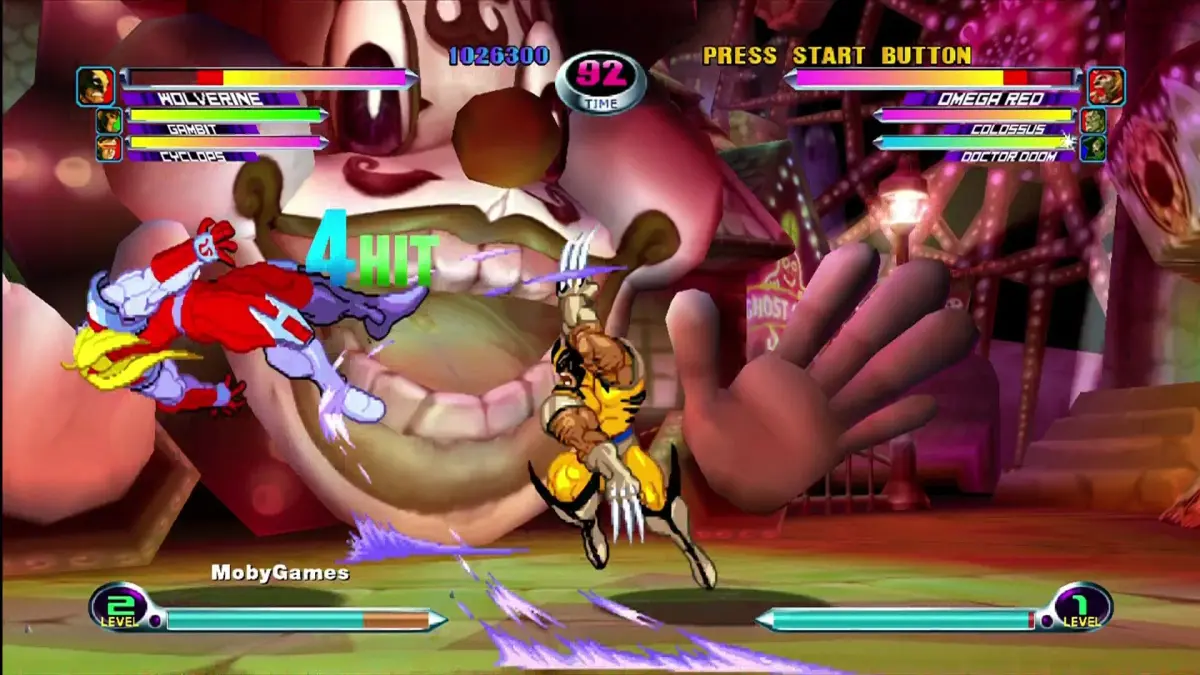
Learn how to defeat Abyss in Marvel vs. Capcom 2: New Age of Heroes and discover secrets like unlocking characters and stages.
- 1Block Abyss' Horizontal Flames and Dragon Flames (Hyper Combo) attacks.
- 2Be ready to dash towards Abyss when he reappears after sinking into the ground.
- 3Attack Abyss when he is above ground, aiming for his upper middle and rear.
- 4Use Variable Combos, especially with all three team members, to deal significant damage.
- 5Damage the orb that flies around Abyss, preferably when it is behind his humped back.
- 6When Abyss is not visible, play defensively and watch for off-screen attacks until he reappears.
- 7When Abyss is above ground, stand inside him to avoid his attacks.
- 8After defeating Abyss, enjoy the ending sequence.
- Abyss can perform attacks, including his Hyper Combo, from off-screen.
- Abyss can move underground and may appear anywhere on the screen.
- Only Abyss' upper middle and rear are vulnerable to attack.
- The orb around Abyss can be damaged, but it is dangerous when out in the open.
- Abyss often pelts you with ground flames after you damage him or attack his orb.
Walkthrough:
To unlock new characters, costume colors, and alternate stages in Marvel vs. Capcom 2: New Age of Heroes, you typically need to trade data with a Japanese arcade machine. However, there are alternative methods:
- Download Save Files from Capcom of Japan: Periodically check Capcom of Japan's official page for updated MvC2 save files that can be downloaded using a Dreamcast. The exact process may require specific online connectivity.
- Download Hacked Save Files: Obtain hacked save files created by CJayC, available on GameFAQs, or from www.booyaka.com. These files often unlock all characters, colors, and stages, allowing you to use the same characters on your team. Note that Abyss cannot be unlocked this way.
- Unlock in the Store: If you do not wish to download save files, you can unlock some hidden items in the game's store section using points earned through gameplay. However, this method will not unlock everything.
- Import players may face disadvantages due to the reliance on Japanese arcade machines for data transfer.
- If you are using the swap trick to load Marvel vs. Capcom 2: New Age of Heroes, you may not be able to play as Blackheart or Sentinel. This is a known drawback of the swap trick and does not indicate a defective game copy.
- Downloading save files may require specific hardware like a Nexus 4M Card to transfer from a PC to your Dreamcast.
Dan's Secret Introduction:
To activate Dan's secret introduction in Marvel vs. Capcom 2: New Age of Heroes, hold down the Light Punch button (default: X) before a match begins. If Dan is your first player, he will fall to the ground, and his geta (wooden sandals) will fly off. This differs from Marvel Super Heroes vs. Street Fighter by omitting the explosion and sound effects.
Sakura's Selectable Win Poses:
Sakura has several selectable win poses in Marvel vs. Capcom 2: New Age of Heroes, which can be triggered by holding specific buttons before the win screen appears:
- LP (Light Punch): Sakura lifts an arm while laughing, with cherry blossoms falling around her.
- LK (Light Kick): Sakura sways back and forth, doing a little dance.
- HP (Heavy Punch): Sakura throws several kicks while yelling, and her shoe flies off and hits her in the head.
- HK (Heavy Kick): Sakura rubs her nose and then waves her hand while saying "Konna toko da ne!" (That's how it's done!).
- PP (Both Punches): Same as her HP pose, but her shoe stays on.
- KK (Both Kicks): This pose is not fully described in the source text.
100% Human-Written. AI Fact-Checked. Community Verified. Learn how AntMag verifies content