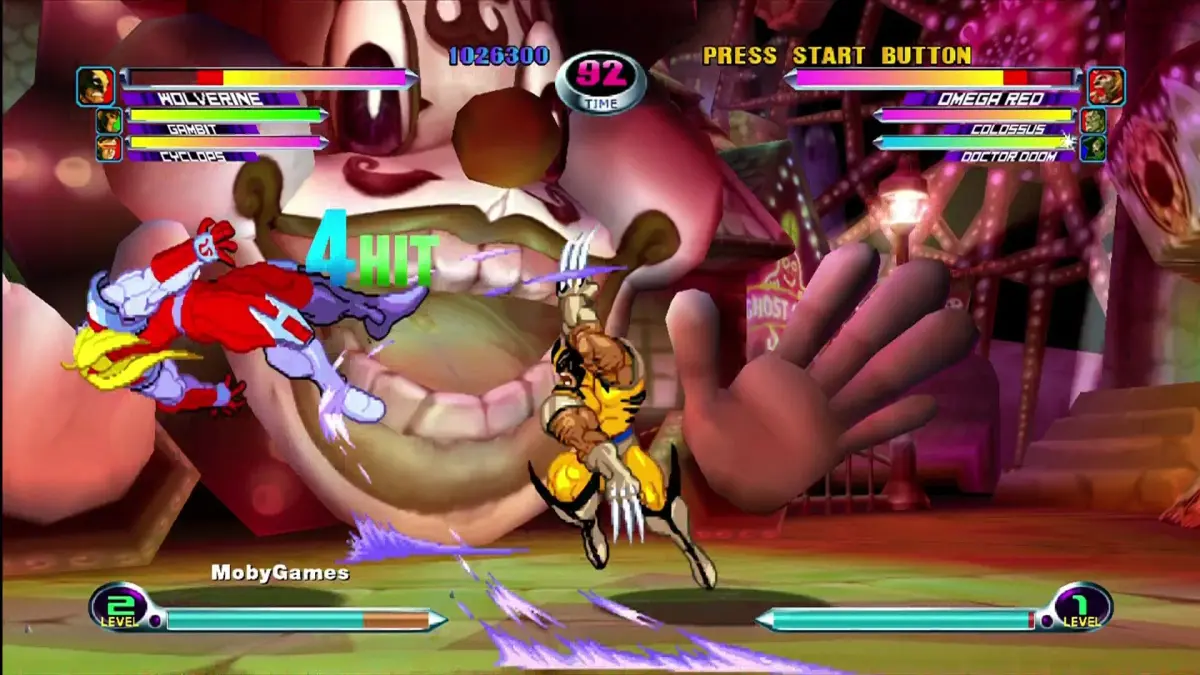
Learn how to unlock characters, stages, and colors in Marvel vs. Capcom 2: New Age of Heroes using the in-game shop and download features for the US Dreamcast release.
This section details how to unlock content in Marvel vs. Capcom 2: New Age of Heroes, focusing on the US Dreamcast release's shop feature and download options for the Japanese version.
The Shop Option (US Dreamcast Release)
The shop option allows players to unlock new characters, stages, and colors using points earned by playing the game. Points are tallied on the Secret Factor screen. The shop offers three rotating items:
- Column 1: New Color for a random character or a New Stage (fixed until purchased).
- Column 2: Randomly selected Tier One or Tier Two hidden character.
- Column 3: Randomly selected Tier Three or Tier Four character.
Item costs vary:
- Column 1 Items: Fixed cost. New Stages start at 1000 points, increasing by 500 with each purchase. New Colors start at 100 points, increasing by 100 with each purchase.
- Column 2 & 3 Characters: Prices fluctuate within set limits:
- Tier One: 500-1000 points
- Tier Two: 1000-2000 points
- Tier Three: 2000-3000 points
- Tier Four: 3000-4000 points
Character availability and pricing are influenced by player level:
- Until Level 50: Tier Four characters and New Stages are only available when the player's level is a multiple of 5. New Colors and Tier Three characters are not available until the level increases. All Tier Four characters are available at once.
- Level 50 and above: All items are always available.
Character Tiers:
- Tier 1 (500-1000): Wolverine w/Adamantium, Shuma-Gorath, Omega Red, Storm, Akuma, Jin Saotome, B.B. Hood, Morrigan
- Tier 2 (1000-2000): Magneto, Juggernaut, Silver Samurai, Gambit, Mega Man, Roll, Capt. Commando, Chun-Li
- Tier 3 (2000-3000): Blackheart, Colossus, Spiral, Sabretooth, Dhalsim, Ken, Charlie, M. Bison
- Tier 4 (3000-4000): Iron Man, War Machine, Sentinel, Thanos, Felicia, Cammy, Dan, Servbot
Downloading Files from Capcom of Japan's Page (Japanese Version)
Players with the Japanese version of MvC2 can download save files from Capcom of Japan's website (www.capcom.co.jp) using the Dream Passport 3. The process involves:
- Ensuring the Marvel Vs Capcom 2 CD is in the system (not the Dream Passport CD).
- Selecting "Network Battle" from the main menu.
- Choosing "Homepage" on the next screen.
- Confirming the Japanese text prompt to proceed.
- The system will dial the ISP and load the official Marvel Vs Capcom 2 webpage.
- Navigate to the page for New Characters, New Colors, and New Stages.
- Select the appropriate option to download the file.
The downloaded file is small (2 blocks of VMS space) and unlocks all locked characters, new colors, the 7 new stages, and allows for selecting the same character multiple times.
100% Human-Written. AI Fact-Checked. Community Verified. Learn how AntMag verifies content