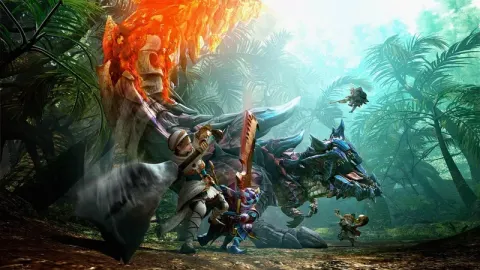
Learn all the essential controls for Monster Hunter Generations, covering both sheathed and unsheathed weapon states, camera manipulation, item usage, and special abilities.
Walkthrough
- 1When your weapon is sheathed: Use the Left C-Stick + R (ZR) to walk or run. Use the D-pad (right C-Stick/Nub) to free-rotate the camera. Press L (ZL) to focus the camera forward or lock-on to a monster. Hold L + A or Y to scroll through your item list. Press START to pull up the main menu. Press A to perform actions (e.g., gather) or select options. Press B for an evasive roll or to cancel out of menus. Press X to unsheathe your weapon. Press Y to use the selected item. If a monster has spotted you, press R + B for a panic dive.
- 2When your weapon is unsheathed: Press A for a secondary combo attack. Press X for a primary combo attack or to reload your Gunner weapon. Press Y to sheathe your weapon. Press X + A for a weapon attack. Press R (ZR) to use your weapon's special ability (weapon dependent). Press R (ZR) + A / X for other weapon-dependent special attacks.
- 3Note that when your weapon is unsheathed, you can still perform an evasive roll (B button), but you cannot jog/sprint using R, as this activates your weapon’s special ability.
- 4Different weapons have different standard walking speeds when unsheathed. For example, Sword and Shield allows running (though slower than with the weapon sheathed), while a Great Sword significantly slows movement.
- 5The Sword and Shield is the only weapon that can use items while still unsheathed. All other weapons require you to sheathe your weapon first before using an item.
Tips
- Consider sheathing your weapon when using a Great Sword to maintain mobility.
- Be mindful of weapon sheathing requirements for item usage with most weapon types.
100% Human-Written. AI Fact-Checked. Community Verified. Learn how AntMag verifies content