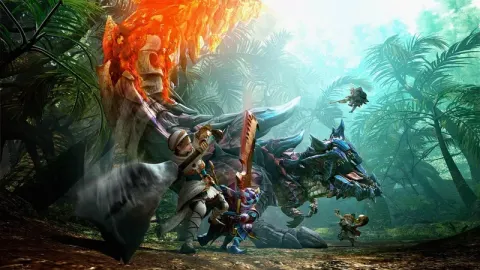
Learn the basic controls for movement and actions in monster hunter generations villages. Understand how to interact with NPCs and use items.
This section covers the fundamental controls you'll use while exploring the villages in monster hunter generations. Understanding these basics is crucial for interacting with NPCs, managing your inventory, and preparing for quests.
Walkthrough
- 1Movement: Use the left analog stick to move your character in any direction.
- 2Camera Control: The right analog stick controls the camera. You can look around your character and adjust your view of the surroundings.
- 3Actions: The 'A' button is context-sensitive and used for various actions such as talking to NPCs, opening doors, or interacting with objects.
- 4Item Usage: Press the 'B' button to use the currently selected item from your item bar.
- 5Opening Menus: Press the 'X' button to open the main menu, which allows access to your inventory, equipment, and other important game systems.
- 6Quick Menu: Press the 'Y' button to bring up a quick menu for frequently used actions or items.
- 7Target Lock-On: Press the 'L' button to lock onto a target, which helps keep the camera focused on it. This is more relevant during hunts but can be used in villages to focus on specific NPCs or objects.
- 8Dodge/Evade: While not typically used in villages, the dodge/evade maneuver is usually mapped to a combination of directional input and a button press (often 'B' while moving).
Tips
- Experiment with the right analog stick to get a feel for camera movement. Finding a comfortable camera sensitivity can greatly improve your experience.
- Pay attention to the prompts that appear on screen when near interactive objects or NPCs, as these will indicate which button to press.
- Familiarize yourself with the quick menu ('Y' button) to quickly access essential items or actions without fully opening the main menu.
- While in a village, you can often sprint by holding down the left analog stick and pressing the 'B' button.
100% Human-Written. AI Fact-Checked. Community Verified. Learn how AntMag verifies content