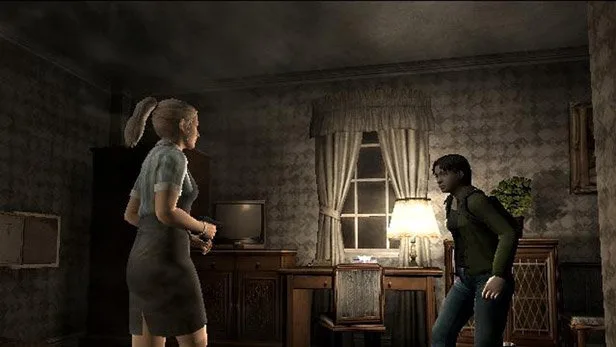
Learn how to access and navigate the online mode in Resident Evil Outbreak. This guide provides essential information for connecting and playing with others.
The online component of Resident Evil Outbreak allows players to team up and tackle scenarios together. This section will guide you through accessing and understanding the online features.
Walkthrough
- 1Access the main menu after starting the game.
- 2Select the 'Online' option to enter the online lobby.
- 3From the lobby, you can create a new game, join an existing game, or manage your online settings.
- 4Choose a scenario to play and wait for other players to join.
- 5Once a game is full or the host starts it, the scenario will begin.
Tips
- Ensure you have a stable internet connection before attempting to play online.
- Familiarize yourself with the game's controls and mechanics before joining a public match.
- Communicate with your teammates using voice chat or in-game text if available.
- Be patient, as finding full lobbies can sometimes take time.
- Experiment with different scenarios to find your favorites.
100% Human-Written. AI Fact-Checked. Community Verified. Learn how AntMag verifies content