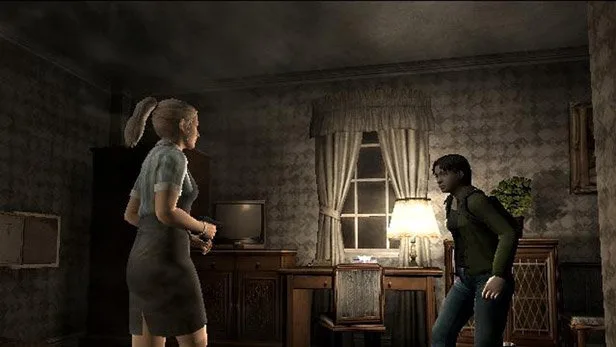
Navigate the 'Message' feature in Resident Evil Outbreak. Learn how to send, receive, and manage messages to aid your survival in this cooperative horror experience.
Walkthrough
- 1Accessing Messages: During gameplay, players can access the message system via their inventory or a dedicated menu option (button prompt may vary by platform).
- 2Sending Messages: Once the message screen is open, players can select pre-set messages or type custom ones (if supported by the platform and game version). Pre-set messages often include common phrases like "Help me," "Enemy here," "Item found," or "Follow me."
- 3Receiving Messages: Incoming messages from other players will typically appear as on-screen notifications or within the message log. Pay attention to these to understand your teammates' situations and intentions.
- 4Message Management: The game may offer options to clear old messages or manage your message log.
Tips
- Utilize pre-set messages for quick and efficient communication, especially during intense combat or when time is critical.
- Coordinate with your team using messages to plan routes, share ammo, or alert others to dangers.
- Pay close attention to messages from other players, as they can provide crucial information for survival.
- If custom messaging is available, use it sparingly to avoid lengthy pauses that could put your team at risk.
100% Human-Written. AI Fact-Checked. Community Verified. Learn how AntMag verifies content