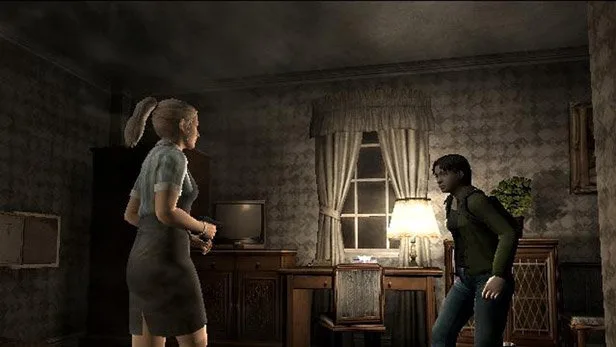
Master the controls of Resident Evil Outbreak with this comprehensive guide to movement, aiming, attacking, reloading, special actions, item management, and communication.
This guide covers the basic controls and actions available to players in Resident Evil Outbreak. Note that button functions may vary if controller settings have been altered from their defaults.
Caution: The status screen does not pause the game. Enemies and other players will continue to act while you are accessing it. The screen will revert to normal gameplay if you are attacked.
| Action | Button/Input |
|---|---|
| Move Character | Directional buttons or Left Analog Stick |
| Turn/Change Direction (with Left Analog Stick) | Left Analog Stick |
| Aim | Hold R1 |
| Fire | Press X while aiming |
| Change Firing Direction | Press any direction while aiming |
| Switch Targets | L1 |
| Reload Weapon (Method 1) | Combine gun with bullets in Status Screen |
| Reload Weapon (Method 2) | Press L1 while weapon is equipped |
| Move Over Obstacles / Climb Ladders | Press X near obstacle/ladder |
| Give Item to Another Player | Choose item in Status Screen, select "Present" |
| Request Item from Another Player | Choose other player's item in Status Screen, select "Request" |
| Shoulder Injured Teammate | Press X near injured PC |
| Stop Shouldering Teammate | Press O |
| Speak Random Dialogue (Ad-Lib Chat) | Press [] |
| Communicate with Other PCs (Fixed Chat) | Use Right Analog Stick |
Reloading Note: Reloading takes longer depending on the number of bullets reloaded. An item exists to fully reload your weapon with one press of the L1 button.
Ad-Lib Chat Note: Casual dialogue from Ad-Lib Chat may provide clues for scenario objectives.
100% Human-Written. AI Fact-Checked. Community Verified. Learn how AntMag verifies content