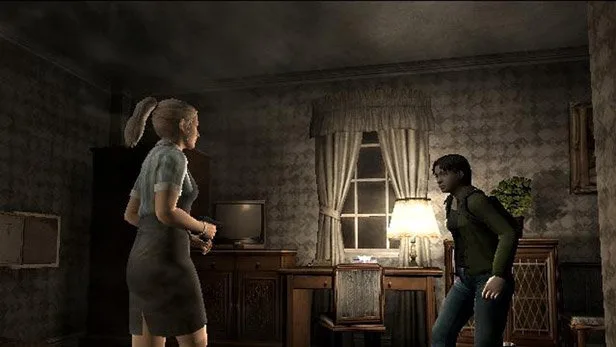
Navigate the treacherous "OXXO | XXXX (7)" scenario in Resident Evil Outbreak. Learn essential controls, item uses, and basic gameplay mechanics to survive the zombie apocalypse.
Alright, so you're diving into Resident Evil Outbreak and landed on the "OXXO | XXXX (7)" section. This part of the guide is going to cover the absolute basics you need to know before you even think about stepping into the chaos. Think of it as your pre-game prep with a buddy.
First off, let's talk about how you're going to control your character. There are a bunch of control types (A through F), and they all mix and match the same actions across different buttons. The key ones to remember are:
- L1: Hold this to reload your weapon. Don't get caught with an empty clip!
- R1/R2: These are for aiming. R1 is auto-aim, R2 is manual. Pick what works for you.
- START: This brings up your status screen and can skip cutscenes. Handy for getting right into the action.
- SELECT: Pauses the game and brings up the options menu. Essential for taking a breather or tweaking settings.
- D-Pad/Left Analog Stick: Your basic movement controls.
- Right Analog Stick: This is for quick communication with your AI partners. You can tell them to HELP!, Go!, Thanks!, or Come on!.
- R3: Use this to tell your partners to Wait!.
- TRIANGLE: Pulls up your map. Always good to know where you're going.
- X / CIRCLE / SQUARE: Depending on your control type, these will be your Action button (to interact with things), Cancel button, or a general
100% Human-Written. AI Fact-Checked. Community Verified. Learn how AntMag verifies content