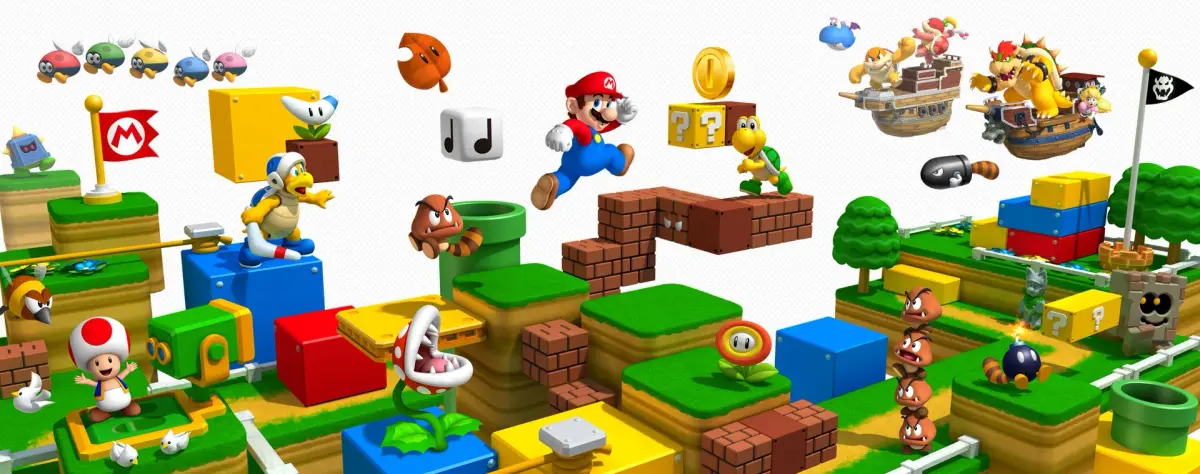
Master Super Mario 3D Land with our comprehensive guide to controls and moves. Learn every button function and Mario's abilities for seamless gameplay.
This section of the walkthrough provides a detailed listing of all controls and moves available in Super Mario 3D Land, covering menus and in-game actions.
Controls:
Save File Selection Screen
- Circle Pad: Move Up and Down between Save Files
- D-Pad: Move Up and Down between Save Files
- A, B: Select highlighted Save File
- X, Y: No Use
- L, R: No Use
- Start: No Use
- Select: No Use
- Touch Screen: Touch Save Files to Select, Touch dot-point boxes to the left of Save Files for information on each Save File, touch the arrow in the bottom left corner to return to the Title Screen
Overworld Screen
- Circle Pad: Move character left and right between courses and worlds
- D-Pad: Move character left and right between courses and worlds
- A, B: Select level to enter
- X, Y: No Use
- L, R: No Use
- Start: Go to overworld pause menu
- Select: Go to overworld pause menu
- Touch Screen: Touch world buttons along the top of the screen to go to the corresponding world, touch a blue button below a course to move to that course, touch the blue button of the course you're currently on to enter it
Overworld Pause Menu
- Circle Pad: Move up and down between items
- D-Pad: Move up and down between items
- A, B: Select highlighted item
- X, Y: Exit out of overworld pause menu
- L, R: No Use
- Start: Exit out of overworld pause menu
- Select: Exit out of overworld pause menu
- Touch Screen: Touch items to select them
In-Game - General
- Circle Pad: Moves the player
- D-Pad: Left/Right moves the camera slightly in the corresponding direction, Up/Down changes 3D type (up is Normal View, down is Extended Depth)
- A, B: Jump
- X, Y: Hold in, use in conjunction with the Circle Pad to run
- L, R: Crouch, use in conjunction with the Circle Pad to crawl. You can hop whilst crouching and crawling.
- Touch Screen: Touch the item (if you currently have one) to use it. Touch the left and right yellow arrow buttons to move the camera slightly in the corresponding direction.
In-Game Pause Menu
- Circle Pad: Move up and down between items
- D-Pad: Move up and down between items
- A, B: Select highlighted item
- X, Y: Exit out of in-game pause menu
- L, R: No Use
- Start: Exit out of in-game pause menu
- Select: Exit out of in-game pause menu
- Touch Screen: Touch items to select them
Moves:
Moves - General
- Stomping: Land on an enemy to stomp it. Many, but not all enemies can be defeated by stomping.
- Hitting Blocks: Jump when underneath a brick or ? Block to hit it and cause it to drop coins or items. Brick Blocks will either break or turn into used blocks. ? Blocks will always turn into used blocks.
- Enter Warp Pipe: Press L/R when on a Warp Pipe facing vertically to enter it. Simply move into a horizontal Warp Pipe to enter it.
- Enter Cannon: Press L/R when on a Cannon to enter it.
- Running Jump: Press A/B when holding in X/Y and moving with the Circle Pad to perform a running jump.
- High Jump (from crouch/crawl): Hold in L/R until Mario/Luigi 'charges up', then press A/B to perform a high jump. High jumps can be performed whilst crawling.
- High Jump (on a tightrope): Hold A/B in mid-air, just before you land on the tightrope. When you land, you will immediately perform a high jump.
- High Jump (from stomping): Hold A/B in mid-air, just before you land on a stompable enemy. When you land, you will perform a high jump.
- High Jump (in mid-air): Hold A/B in mid-air. When you land... (text cut off)
100% Human-Written. AI Fact-Checked. Community Verified. Learn how AntMag verifies content