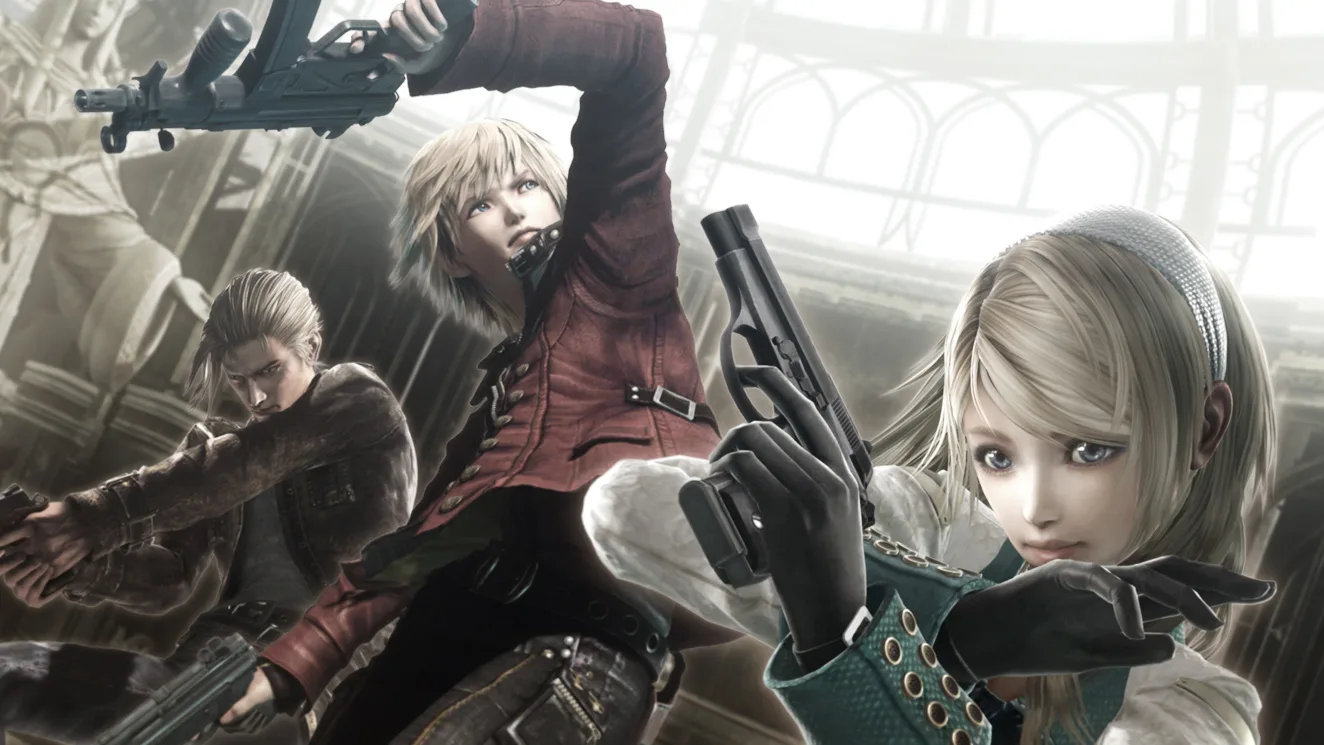
Learn the ins and outs of Resonance of Fate's Arena Battles with this optional tutorial guide. Master combat mechanics and strategies to dominate every fight.
Hey there! So, you're looking to get a handle on the Arena Battles in Resonance of Fate? Smart move! While it's totally optional, heading over to the Arena and chatting with the Training Staff at the left counter is a great way to get the hang of things. You can run through the combat tutorial step-by-step, and the best part? You can replay any stage as many times as you want, whenever you want, throughout the entire game. This is pretty much the only official rundown you'll get on the gameplay, and unlike a lot of RPGs, there aren't any hidden mechanics to discover later. What you learn here is what you'll be using for the whole game.
Now, I'll be honest, the tutorial doesn't spill all the beans on every little combat detail. It often takes a bunch of battles before it really 'clicks.' For some folks, it might feel super confusing and frustrating at first, but stick with it! Eventually, it'll become second nature, smooth as butter, and you'll wonder how you ever struggled.
When you jump into the tutorial, you can pick which character you want to use – just hit L1 or R1 to cycle through them. For the solo lessons, it doesn't really matter who you pick. I usually start with Leanne and Vashyron rocking Handguns, and Zephyr with a Machinegun, but the game will actually swap out your gear for you during the tutorial to make sure you meet the specific conditions for each lesson. My go-to Battle Order was Zephyr, Leanne, Vashyron, with Leanne as my active character on the world map.
Don't forget, while you're in the thick of the combat part of the tutorial, you can hit the SELECT button at any time to bring up the Tutorial Controls. It's a lifesaver!
Tutorial Controls
- X = Attack/Charge
- O = End Turn
- Square = Hero Action
- Triangle = Tri-Attack
- D Buttons = Switch Targets
- L2/R2 = Switch Equipment
- L1/R1 = Switch Current Character
- R (stick) = Control Camera
- Select = Change Items
- R3 = Lock On Target
- L3 = Toggle Map Display
Oh, and a little heads-up: there's no TIP 5 listed in the game's tutorial. They either skipped it or messed up the numbering, so don't go looking for it!
100% Human-Written. AI Fact-Checked. Community Verified. Learn how AntMag verifies content