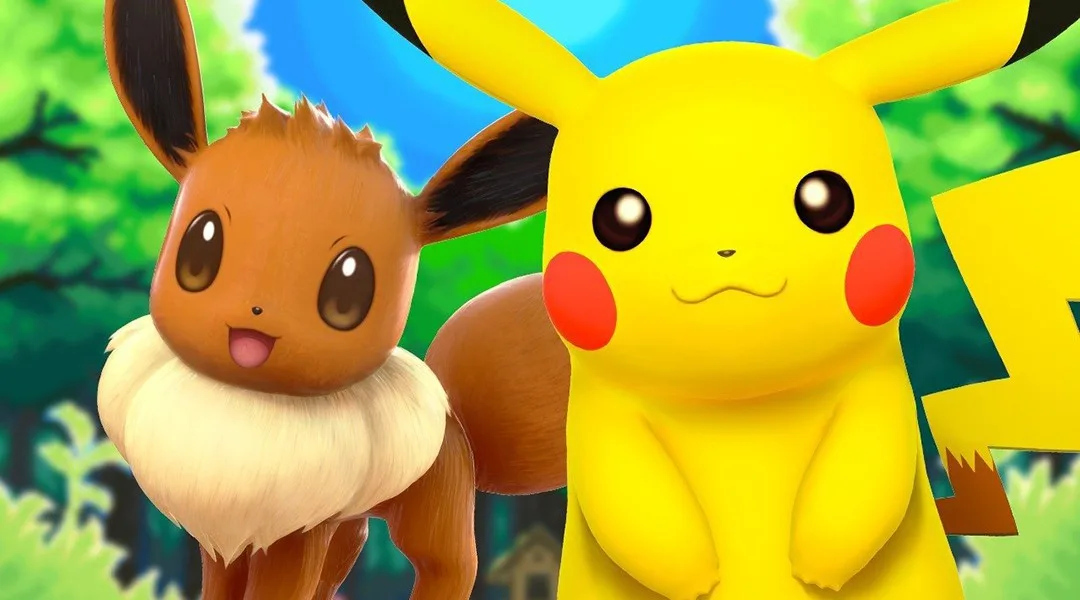
Learn how to transfer Pokémon from Pokémon GO to the GO Park Complex in Let's Go Pikachu and Eevee, including pairing accounts and catching transferred Pokémon.
- Pair your Pokémon GO account with your Let's Go game via the in-game options menu.
- Ensure Bluetooth is enabled on your phone.
Walkthrough
- 1Open the menu in Let's Go, go to Options, and select “Open Pokémon GO Settings” to pair your account.
- 2In Pokémon GO, tap the Poké Ball icon, go to Settings, scroll down, and tap “Nintendo Switch”.
- 3Tap “Connect to Nintendo Switch” and confirm pairing on both devices.
- 4Speak to the receptionist at the back of the GO Park Complex and choose “Bring Pokémon”.
- 5Select one of the 20 GO Parks (each holds up to 50 Pokémon, for a total of 1000).
- 6In Pokémon GO, go to your Pokémon list, tap the Nintendo Switch icon in the top-right, and select Pokémon to transfer.
- 7Eligible Pokémon include Kanto Pokédex #1-150, Meltan (808), and Melmetal (809). Shiny and Alola forms are transferable, but Pokémon with hats/sunglasses or favorited Pokémon are not.
- 8Confirm the transfer in both games, noting that this is a one-way trip.
- 9Speak to the receptionist again and choose “Enter a GO Park” to find and catch your transferred Pokémon.
- 10Interact with the Pokémon in the GO Park; they will not run, and you can choose to catch them or move them to another GO Park.
Tips
- Pairing accounts is non-binding and can be changed at any time.
- Transferred Pokémon retain their met date and shininess, but their Nature and moveset will be randomized.
- Think carefully before transferring, as Pokémon cannot be returned to Pokémon GO. Consider transferring only spare Pokémon.
- You can rename your GO Parks.
- Press Y in a GO Park to zoom the camera in or out.
100% Human-Written. AI Fact-Checked. Community Verified. Learn how AntMag verifies content