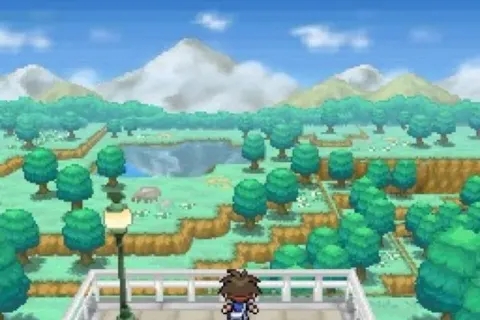
Learn all the controls for Pokémon Black 2 and White 2, including button functions for movement, menus, items, and the touch screen. Essential for all trainers!
Walkthrough
- 1Press the A button to use options or select menu items.
- 2Press the B button to cancel actions or hold it while using the D-Pad to run.
- 3Press the X button to open or close the Pause Menu.
- 4Press the Y button to use a registered item.
- 5Press the Start button to begin organising items in your bag.
- 6Press the Select button to rearrange items in your bag.
- 7Use the Up and Down buttons on the D-Pad to move your character vertically or scroll through options.
- 8Use the Left and Right buttons on the D-Pad to move your character horizontally or scroll through options.
- 9The L and R buttons have no assigned function in the game.
- 10Use the Touch Screen to select pressed options.
- 11The Circle Pad (on Nintendo 3DS) can be used as a substitute for the Up, Down, Left, and Right buttons on the D-Pad.
Tips
- Holding B while moving with the D-Pad is the fastest way to travel across the map.
- Registering frequently used items to the Y button can save time.
100% Human-Written. AI Fact-Checked. Community Verified. Learn how AntMag verifies content