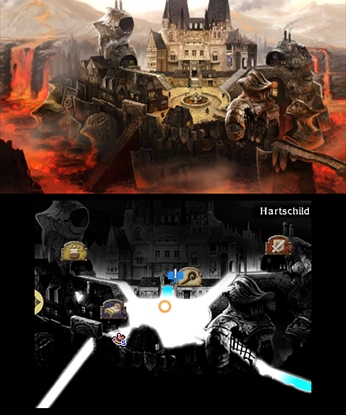
Get started with Bravely Default's controls! Learn how to use the touch screen for menus, Norende Village, and character customization in this quick guide.
Hey there! Ready to dive into Bravely Default? Let's get you up to speed on the controls, specifically how the touch screen works. It's pretty straightforward, but knowing the basics will make your journey smoother.
You'll be using the touch screen on your 3DS/2DS quite a bit. Think of it as your primary way to navigate a few key areas. For starters, it's how you'll manage Norende Village – that's your home base where you'll be rebuilding and upgrading. You'll also use it for the SP Drink menus, which are super important for managing your Special Points. Beyond that, you can whip out the touch screen to navigate the map menu, giving you a bird's-eye view of where you are and where you're going. And when you're customizing your characters in the Equip or Status menus, you can even spin them around to get a good look!
100% Human-Written. AI Fact-Checked. Community Verified. Learn how AntMag verifies content