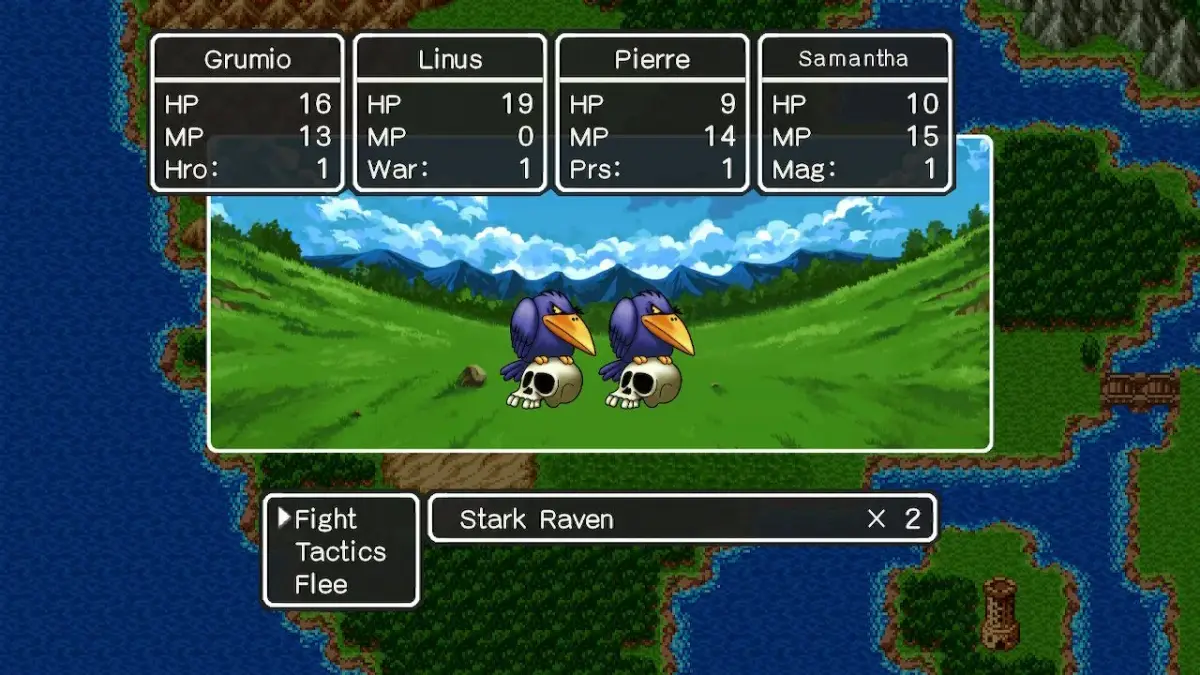
Dragon Quest III controls guide detailing button functions for basic and flying controls, including the Joystick, D-Pad, A, B, X, and Y buttons.
Controls:
- Joystick: Move Around (Basic Controls), Move Around (Flying Controls)
- D-Pad: Move Around (Basic Controls), Move Around (Flying Controls)
- Start: N/A (Basic Controls), N/A (Flying Controls)
- A: Confirm / Action / Menu (Basic Controls), Get On / Change Speed (Flying Controls)
- B: Cancel (Basic Controls), Get Off (Flying Controls)
- X: Display Map (Basic Controls), Display Map (Flying Controls)
- Y: Menu (Basic Controls), N/A (Flying Controls)
- L: N/A (Basic Controls), N/A (Flying Controls)
- R: N/A (Basic Controls), N/A (Flying Controls)
Tips
- The 'X' button is used to display the map in both basic and flying control modes.
- While flying, the 'A' button can be used to get on or change speed, and the 'B' button is used to get off.
- The 'Y' button brings up the menu during basic controls but has no function during flying controls.
100% Human-Written. AI Fact-Checked. Community Verified. Learn how AntMag verifies content