Navigate Dragon Quest III's menus like a pro! Learn about item management, spell casting, equipping gear, party tactics, and essential system settings for your adventure.
This guide details the various in-game menus and their functions in Dragon Quest III HD-2D Remake.
Main Menu
The Main Menu is accessible in towns, dungeons, and on the overworld.
ITEMS
The ITEMS sub-menu displays each character's inventory and the shared Bag. Each character can hold 20 items, and the Bag can hold 999 of any item. Items can be freely moved between party members and the Bag. You can also Use, Discard, or Equip items from this menu.
| Item Commands | Description |
| Use | If an item is "usable", select it for use. Most items are single-use. |
| Equip (Remove) | Allows you to equip or remove equipment for a party member. |
| Transfer | Allows you to move items between inventories and the Bag. |
| Show | Merchant Only. Allows a Merchant to appraise an item's value and price. |
| Discard | Permanently removes an item from your possession. WARNING: The item will be lost forever. |
EQUIP
The EQUIP sub-menu allows you to equip your party members. An Auto-Equip button is available, but it will not equip items currently held by other party members.
RECALL
Use Recall to review helpful hints provided by NPCs that have not yet been satisfied.
SPELLS
The SPELLS menu allows you to cast Spells for the party. It also displays the Description and MP Required / Current MP for each spell.
ABILITIES
The ABILITIES menu allows you to use Abilities for the party. It also displays the Description and MP Required / Current MP for each ability.
MISC
The MISC menu contains several sub-menus:
| Misc Menu | Description |
| Heal All | Allows characters with Healing Spells to fully heal the party and remove status effects. |
| Handy Heal All | Your party will use MP efficiently to 'fully' heal the party. |
| Status | View a character's Attributes, Level, Vocation, Appearance, Personality, Experience, Exp to Next Level, Equipment, Spells, and Abilities. |
| Line-Up | Change the party's order. Characters at the front are more likely to be attacked. |
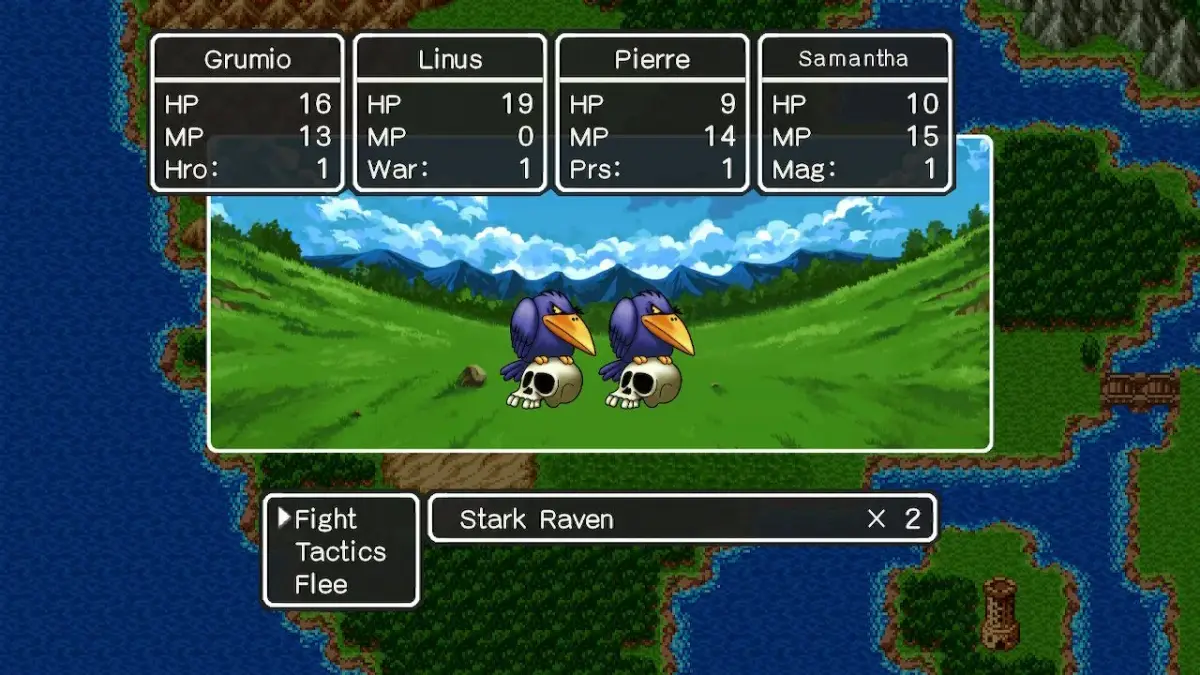
| Tactics | Manipulate how your party acts in combat. |
| Traveller's Tips | Provides quick tip tutorials on various aspects of the game. |
| Info | View game progress and lists: Defeated Monster List, Item List, Equipment List, Spell List, and Ability List. |
| System Settings | Change game settings. |
| Video/Misc Settings | Change Display, Graphics, and Input settings. |
| Stop Adventuring | Creates a Quick Save and returns you to the Title Screen. |
| Return to Title Screen | Returns you to the Title Screen without saving. |
Tactics
| Tactic | Description |
| Show No Mercy | Party members use their most powerful spells/attacks, ignoring MP cost. May neglect healing. |
| Fight Wisely | Balanced offense and defense. |
| Watch My Back | Focuses more on defense than offense. |
| Don't Use Magic | Party members only use physical attacks, usable items, and MP-free spells. |
| Focus On Healing | Party members prioritize healing, even if characters are not near death. |
| Follow Orders | Manually control the party. Recommended for boss battles. |
100% Human-Written. AI Fact-Checked. Community Verified. Learn how AntMag verifies content