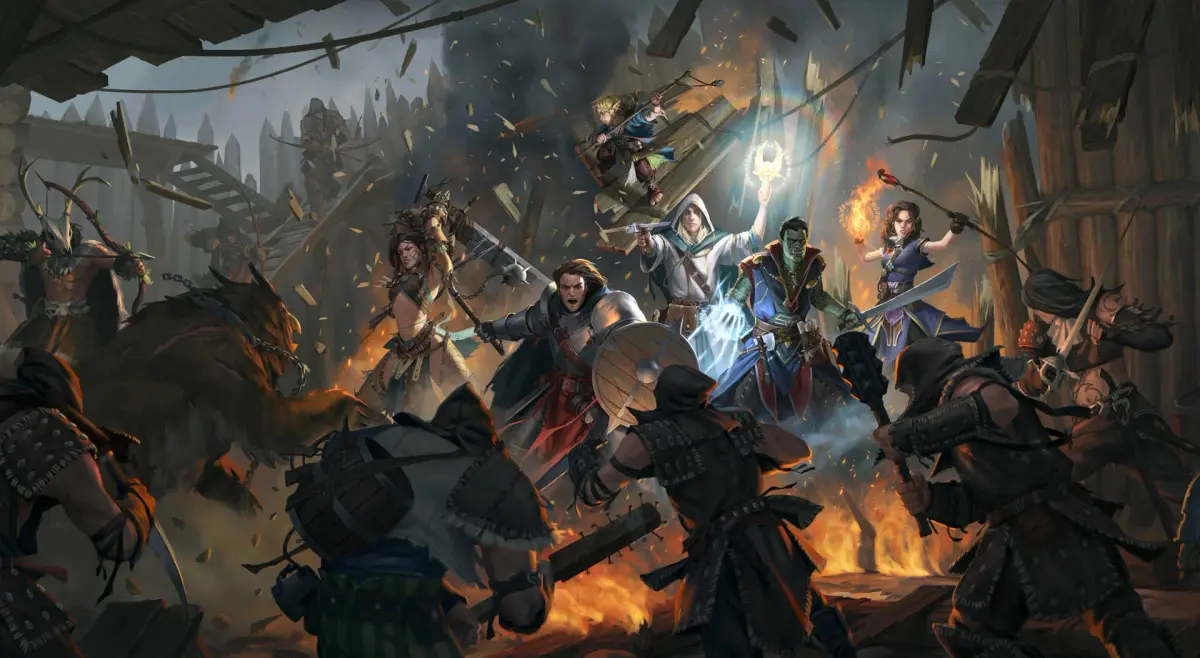
Learn movement, camera controls, and basic combat in pathfinder kingmaker. Understand dice rolls, attack rolls, and armor class.
Walkthrough
- 1Movement: Click on a location to move your character. A special symbol marks the destination. If inaccessible, the symbol appears in the nearest accessible spot.
- 2Camera: Use WASD and ARROW KEYS or hold the middle mouse button to move the camera.
- 3Area Exit: Click the door icon to exit the current area.
- 4Basic Combat: Combat is real-time, but you can pause by pressing Space to give orders to companions. Click an opponent to attack.
- 5Dice Rolls: Most mechanics use dice rolls, with a 20-sided die common for checks and attacks.
- 6Initiative: Higher initiative means acting earlier in combat rounds, which last 6 seconds. View scores in the Combat Log.
- 7Attack Roll: An attack succeeds if the roll equals or exceeds the target's Armor Class, influenced by weapons and abilities.
- 8Damage: Successful attacks deal damage based on weapon stats and buff spells. Results are in the Combat Log.
- 9Armor Class: A higher AC makes a character harder to hit, calculated from a base of 10 plus equipment, Dexterity, and abilities.
- 10Loot: Interact with objects like dead opponents by clicking them. Interactive objects highlight with a blue outline when hovered over or when Tab is held.
- 11Linzi’s Journal: Press J to open Linzi’s Journal, which contains current quests and tasks. Notifications appear on the main screen for status changes.
- 12Equipping Items: Press I to open your inventory and equip items like rings.
- 13Companions: Select a single character by clicking their portrait or pressing Alt+1 through Alt+6. Draw a frame while holding the left mouse button to select multiple characters for group orders. Press Backspace to select all characters.
- 14Spells: Linzi and Tartuccio cast spells. Click their icon in the action panel or spells menu, then target a companion or enemy. Clerics, Druids, Magi, Paladins, Rangers, and Wizards prepare spells in advance. Bards, Inquisitors, and Sorcerers have limited repertoires but can cast spells multiple times per day. Open the spellbook by pressing B to see available spells. New spells appear in the first free slot on the action panel.
- 15Abilities: Click an ability icon in the action panel or Special Abilities menu, then target as needed. Some abilities don't require targeting or can be toggled.
- 16Attacks of Opportunity: Actions like casting spells, moving away from an opponent, or shooting ranged weapons near an armed opponent can provoke an extra attack.
- 17Tactical Time Flow: Hold Shift + Spacebar while paused for slow-motion combat control.
- 18Hit Points, Healing, and Death: Characters have HP. Reaching 0 HP causes unconsciousness, with recovery after combat. Reaching negative HP equal to Constitution score results in death, requiring a resurrection spell. Restore HP with healing spells, potions, or by resting. Healing potions are sold by merchants or dropped after combat. Healing spells are available to Bards, Clerics, Inquisitors, Paladins, and Rangers.
- 19Using Expendable Items: Open inventory, place items like scrolls or potions in quick slots on your belt. Access these items via the Belt button on the action panel. You cannot use expendable items from the inventory screen.
Tips
- Hold Tab to highlight all interactive objects, including lootable containers and enemies.
- Pause combat frequently (Spacebar) to assess the situation and issue precise orders to your companions.
- Pay attention to the Combat Log for detailed information on attack rolls, damage, and initiative.
- Remember that spells and abilities often have specific targeting requirements.
- To use potions or scrolls quickly, place them in your belt's quick slots.
100% Human-Written. AI Fact-Checked. Community Verified. Learn how AntMag verifies content