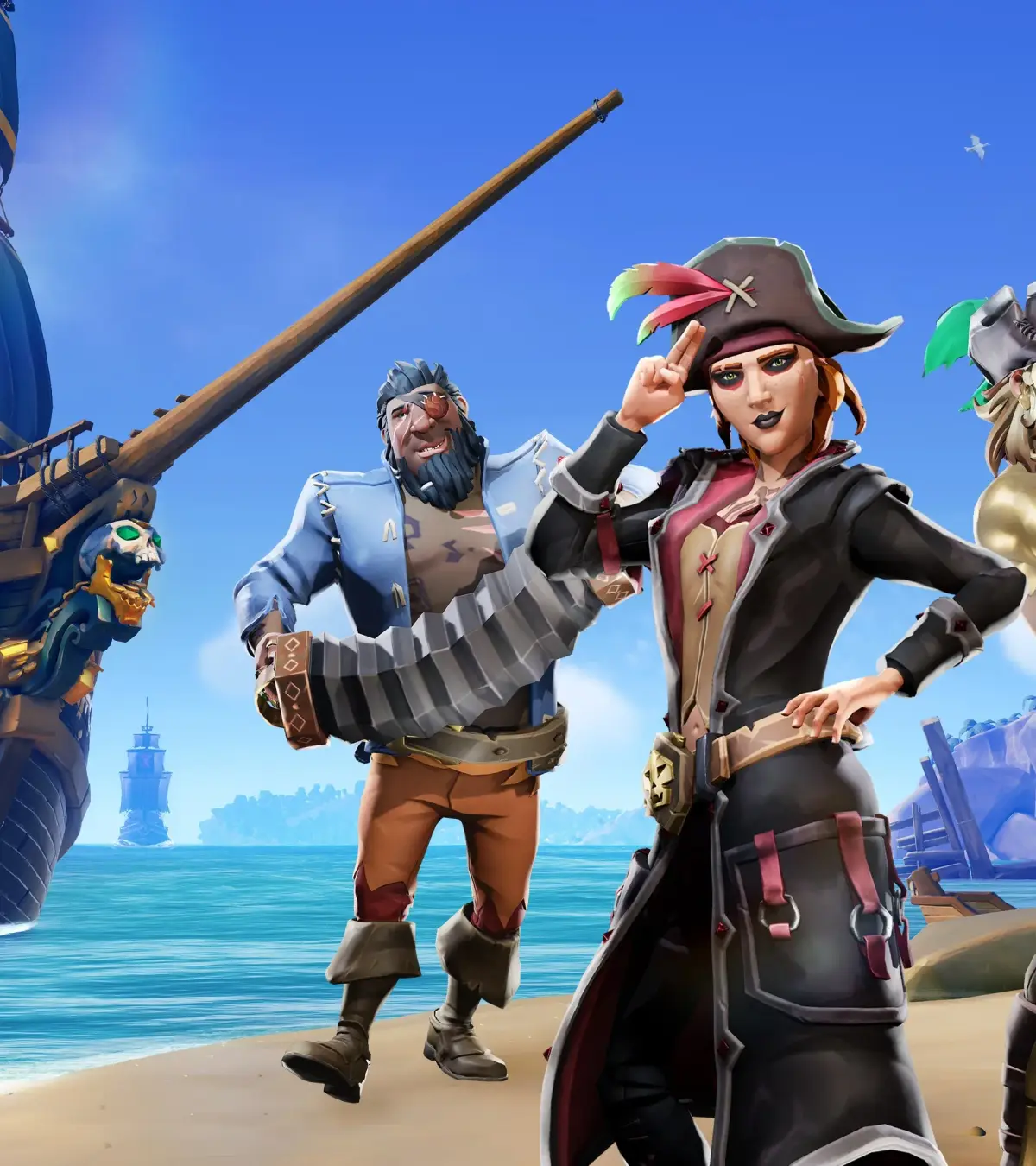
Sea of Thieves is a sprawling open-world adventure where you and your friends become pirates, sailing the high seas in search of treasure. You'll manage your ship, battle skeletons and other players, and uncover a world filled with legendary tales. It's a game about cooperation, exploration, and embracing the pirate life, whether you're a seasoned swashbuckler or just starting your journey.
This guide will help you navigate the complexities of Sea of Thieves, from mastering treacherous quests like Shroudbreaker and A Pirate's Life, to understanding how to handle formidable foes such as Skeleton Lords and Captain Briggsy. We'll cover the various quest items you'll need to collect, the treasures you'll be selling to Trading Companies, and strategies to overcome the challenges that stand between you and becoming a pirate legend.
Getting Started & Core Mechanics
Learn the core mechanics of Sea of Thieves, from finding and transporting treasure to selling it to Trading Companies for Gold, Reputation, and Emissary Value.
Getting Started & Core Mechanics
Learn the core mechanics of Sea of Thieves, from finding and transporting treasure to selling it to Trading Companies for Gold, Reputation, and Emissary Value.

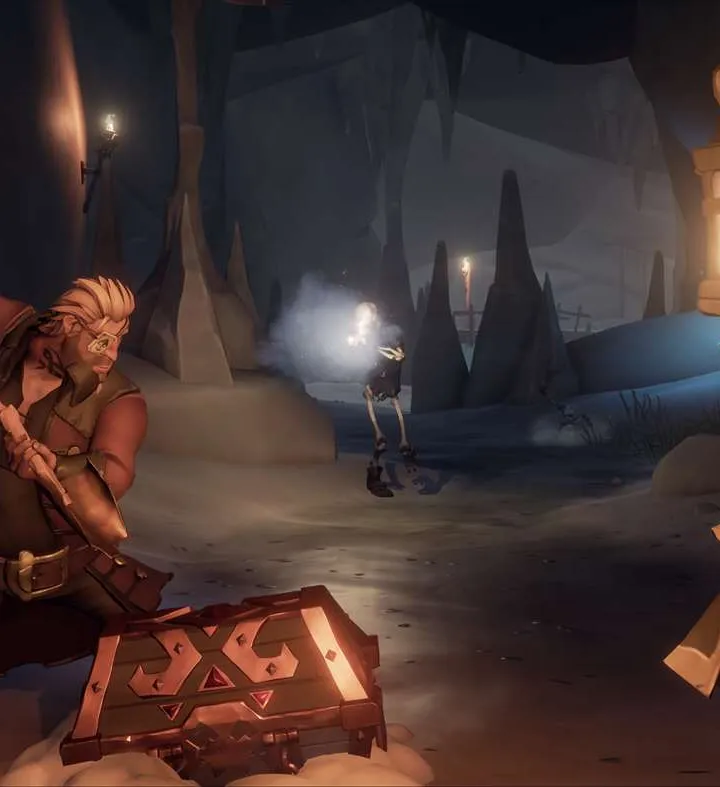
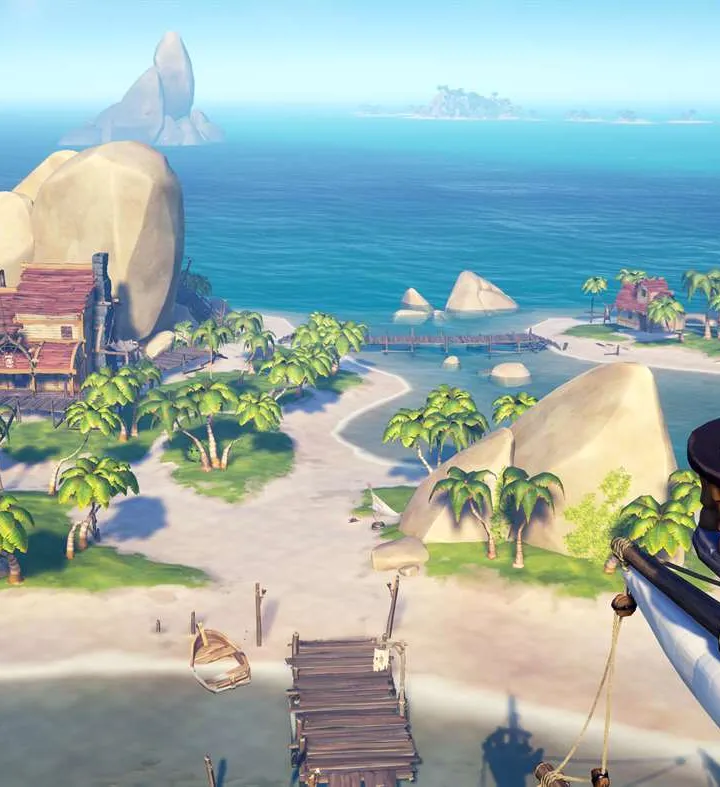
Getting Started: The Pirate's First Voyage
Discover how to find, carry, and sell treasure in Sea of Thieves. Learn about different treasure types, trading companies, and maximizing your rewards.
Getting Started: The Pirate's First Voyage
Discover how to find, carry, and sell treasure in Sea of Thieves. Learn about different treasure types, trading companies, and maximizing your rewards.
Installation & System Requirements — Sea of Thieves Guide
Install Sea of Thieves smoothly. Check minimum & recommended PC/Xbox specs, download, and install guides for a seamless pirate adventure.
Embark on your pirating journey by ensuring your system meets the demands of Sea of Thieves. the essential steps for downloading and installing the game, along with the minimum and recommended hardware specifications to guarantee a smooth and immersive experience on your PC or Xbox. Prepare your vessel for the digital seas!
To begin your adventure in the Sea of Thieves, you'll first need to install the game. Sea of Thieves is available on both PC (via Steam and the Microsoft Store) and Xbox consoles. The installation process is straightforward, but it's crucial to ensure your system meets the game's requirements to avoid performance issues.
System Requirements
Before downloading, check these specifications:
| Component | Minimum Requirements | Recommended Requirements |
|---|---|---|
| OS | Windows 10 (64-bit) | Windows 10 (64-bit) |
| Processor | Intel Core i3-4170 / AMD FX-6300 | Intel Core i5-4690 / AMD FX-8350 |
| Memory | 8 GB RAM | 16 GB RAM |
| Graphics | NVIDIA GeForce GTX 750 Ti / AMD Radeon R7 360 | NVIDIA GeForce GTX 1030 / AMD Radeon R7 460 |
| DirectX | Version 11 | Version 11 |
| Storage | 60 GB available space | 60 GB available space |
Download and Installation
- PC (Steam): Purchase and download Sea of Thieves from the Steam store. Once downloaded, click 'Install' and follow the on-screen prompts.
- PC (Microsoft Store): Search for Sea of Thieves in the Microsoft Store app and select 'Buy' or 'Install'.
- Xbox: Navigate to the Xbox Store on your console, search for Sea of Thieves, and select 'Install'.
Ensure you have a stable internet connection throughout the download and installation process. Once installed, launch the game and prepare for your first voyage!
Account Creation & Linking
Learn how to create and link your Sea of Thieves account to ensure your progress is saved and to access all game features. A quick guide for all pirates.
This guide covers the process of creating and linking your account for Sea of Thieves. Properly setting up your account is essential for saving your progress and enjoying the full experience of the game.
- 1Account Creation: Navigate to the official Sea of Thieves website or the game's account management portal. Follow the on-screen prompts to create a new account. You will likely need to provide an email address and choose a password.
- 2Linking Your Account: If you already have a Microsoft or Xbox account, you may be able to link it to Sea of Thieves. During the account creation process or in your game settings, look for options to link existing accounts. This is crucial for cross-platform progression and saves.
- 3In-Game Setup: Once your account is created and linked, launch Sea of Thieves. The game may prompt you to log in or confirm your account details. Ensure you are logged in with the correct account to sync your progress.
- Always use a strong, unique password for your gaming accounts.
- Consider enabling two-factor authentication for added security.
- If you encounter issues, check the Sea of Thieves support website or contact customer service.
- Linking your account ensures that any in-game purchases or progress is tied to you, preventing loss.
Similar guides you might like




100% Human-Written. AI Fact-Checked. Community Verified. Learn how AntMag verifies content