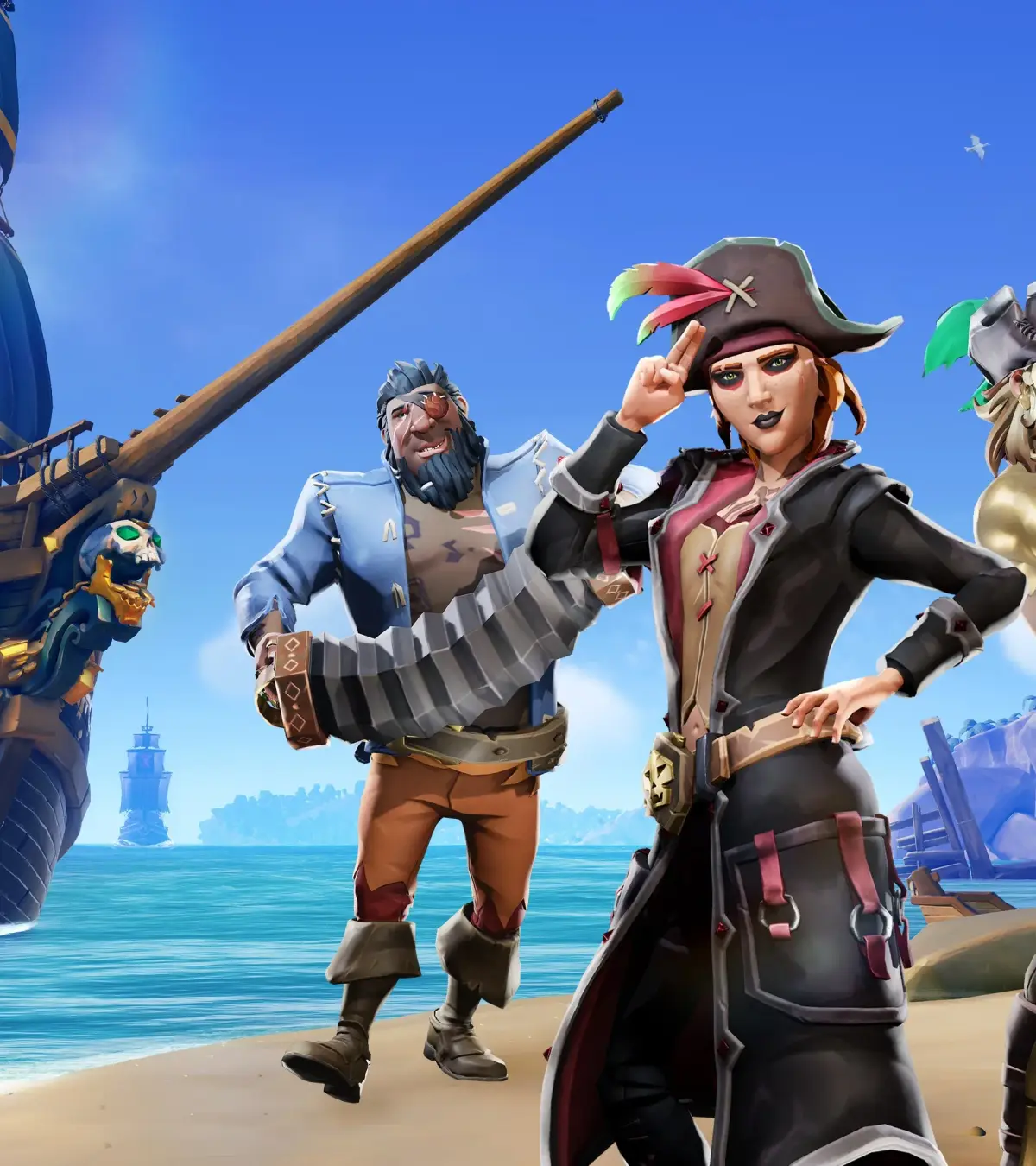
Experiencing Sea of Thieves account and progression sync issues? Learn how to troubleshoot and resolve common problems to ensure your progress is saved and accessible across platforms.
The following guide addresses common issues with Sea of Thieves account and progression synchronization. This includes problems with saving progress, items not appearing, or discrepancies between different platforms.
Troubleshooting Steps:
- Check Internet Connection: Ensure you have a stable internet connection. Sync issues can often be caused by temporary network problems.
- Restart Sea of Thieves: Close the game completely and relaunch it. This can often resolve temporary glitches.
- Restart Your Platform: Reboot your PC, Xbox, or other gaming device.
- Sign Out and Back In: Log out of your associated gaming account (e.g., Xbox Live, Microsoft Account) on your platform and then sign back in.
- Verify Game Files (PC): If playing on PC, use the game launcher (Steam or Microsoft Store) to verify the integrity of your game files.
- Check Server Status: Visit the official Sea of Thieves website or social media channels to check if there are any known server issues or ongoing maintenance.
- Ensure Cross-Progression is Enabled: If you are playing on multiple platforms, make sure cross-progression is enabled in your Sea of Thieves account settings.
- Contact Support: If none of the above steps resolve the issue, reach out to Sea of Thieves Support for further assistance.
Important Notes:
- Progression is tied to your Sea of Thieves account, which is linked to your Microsoft or Xbox Live account.
- Ensure you are logged into the correct account on all platforms you play on.
- Some issues may be temporary and resolve themselves over time.
100% Human-Written. AI Fact-Checked. Community Verified. Learn how AntMag verifies content